What Actually Goes Into an Amazon Product Listing (And Where Sellers Lose Points)
A structural breakdown of every part of an Amazon product listing — title, bullets, backend search terms, main image, and gallery — and the specific way each one commonly loses a sale.
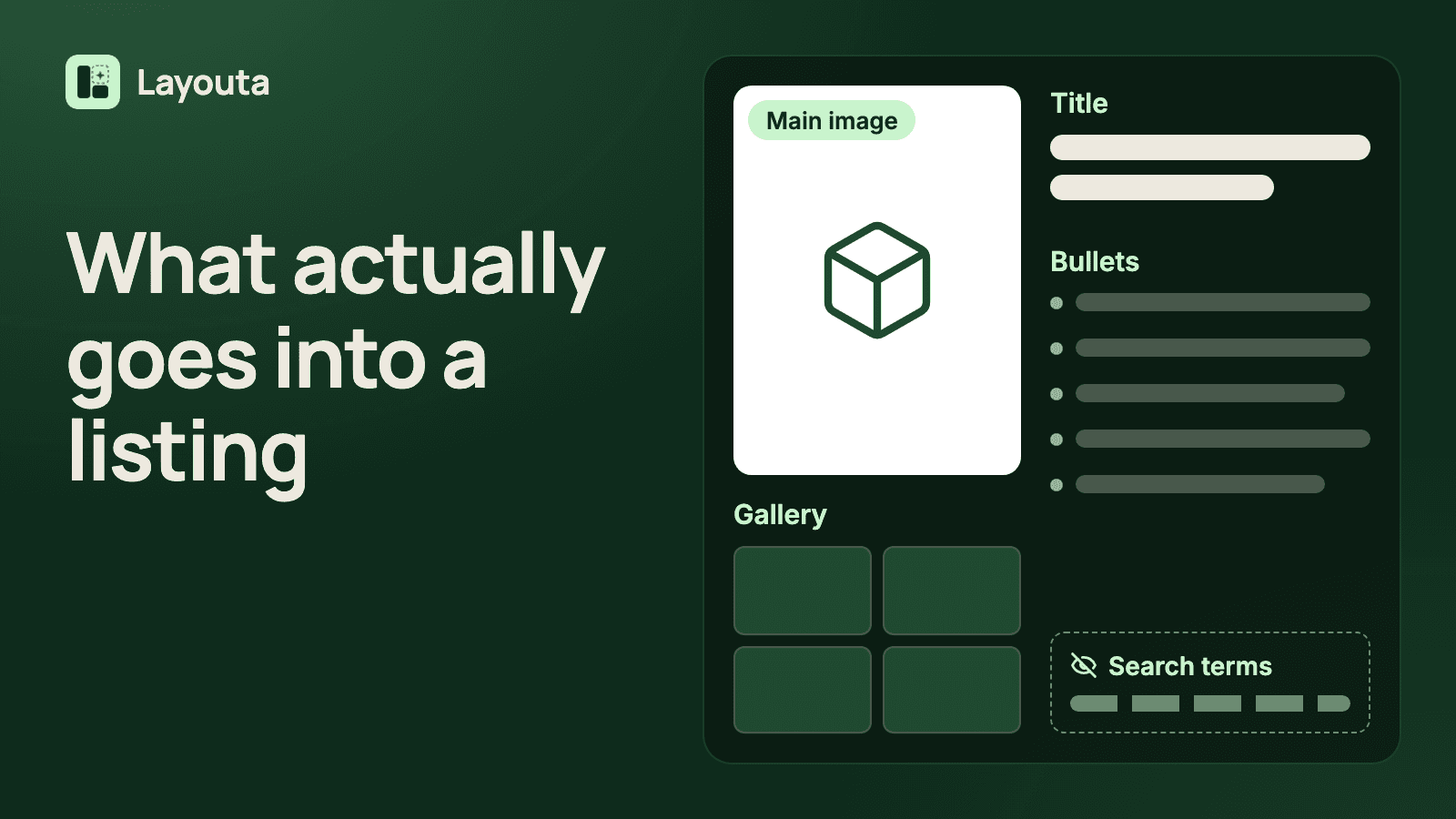
An Amazon product listing isn't one thing — it's five separate pieces that each do a different job, and a listing that's strong in one place can still lose the sale in another. Sellers who rewrite the title over and over while the main image quietly fails to show what the product actually is are optimizing the part that was never the problem. Here's what each piece of an Amazon product listing is actually for, and the specific way each one commonly costs a sale.
The title: found, not sold
The title's job is almost entirely about being found and recognized in a search results grid — not persuading anyone. It needs to say clearly what the product is, include the attribute a shopper is likely searching for (size, quantity, color), and fit the marketplace's exact character limit without getting cut off mid-word. The common failure here is a title stuffed with adjectives ("premium," "professional-grade") that do nothing for search and just push the actually useful information — quantity, size, compatibility — past where a shopper reading in a grid will ever see it.
The five bullets: the only place that argues your case
This is the one part of an Amazon product listing that's actually allowed to persuade, and it's usually under-used. The failure mode isn't too little information — it's bullets that stop well short of the character limit because the seller ran out of things to say, when there was real remaining space a shopper would have read. The fix isn't padding with adjectives; it's going back to product facts you haven't used yet — what's actually different about your material, your sizing, what's included that a competitor's isn't — and using the space you're given instead of leaving it on the table.
Backend search terms: invisible, and often wasted
No shopper ever sees this field, which is exactly why it's the part sellers most often get wrong without knowing it. A backend search term that repeats a word already in your visible title or bullets is a wasted byte — that space could have held a real search term a shopper actually types but your visible copy doesn't cover. This is pure mechanical work: know what's already visible, don't repeat it, use the field for genuinely new terms.
The main image: the one Amazon actually polices
The main image isn't a design decision — it's a compliance one. Amazon requires it to accurately represent the physical product on a pure white background, and that single rule is where an otherwise well-optimized Amazon product listing most often gets suspended: a main image that's a rendering, a lifestyle shot, or anything other than the actual product on white. So whatever tools you use, compare the final image with your real product before you upload it.
The gallery: each image needs one job
A gallery of six to nine images that all show the product from a slightly different angle is six to nine images doing the same job. Each one should answer a specific question a buyer still has after reading the title and bullets: how does it install, what's it made of, what's the actual size next to something familiar, what's included in the box. A gallery without a clear job per image reads as filler, even when every individual photo is well-lit and sharp.
Why this breaks down the way it does in most tools
Most Amazon listing generators treat all of this as one blob of text and images to produce in a single pass. That's exactly backwards from how an Amazon product listing actually gets evaluated — a shopper reads the title first, decides whether to click, then reads bullets, then scans images, in that order, for different reasons at each step. Amazon SEO services and DIY optimization both handle the title and backend terms; a full listing optimization pass covers every piece above in the order that actually prevents rework.
How Layouta treats each piece separately
Product Facts capture what you actually know before any of the five pieces get written. Listing Copy generates the title and bullets to your marketplace's real limits, editable field by field. Backend search terms get generated with an eye on what's already visible in your copy, so nothing repeats. Every gallery image starts as its own Creative Brief — one job, reviewed and confirmed before generation — and the main image starts from your own photo, background removed and centered on white. Read the full walkthrough for the complete process from facts to export.
Start a listing and build each piece with the job it's actually supposed to do.
Author

Categories
More Posts
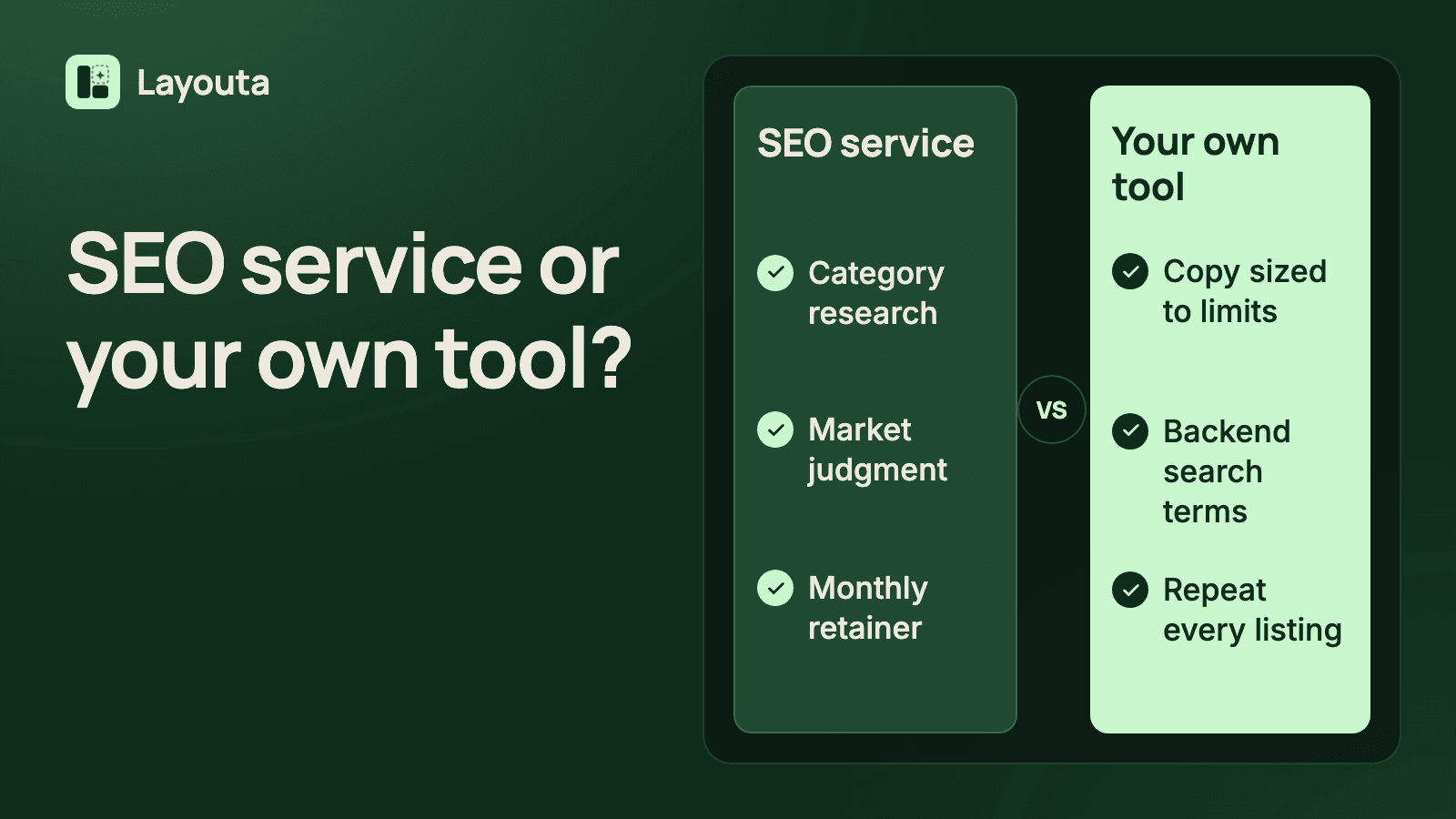
Amazon SEO Services vs. a Tool You Run Yourself: What Actually Moves a Listing
What Amazon SEO services actually do for a listing, what a self-serve tool can and can't replace, and how backend search terms and copy actually get you found.
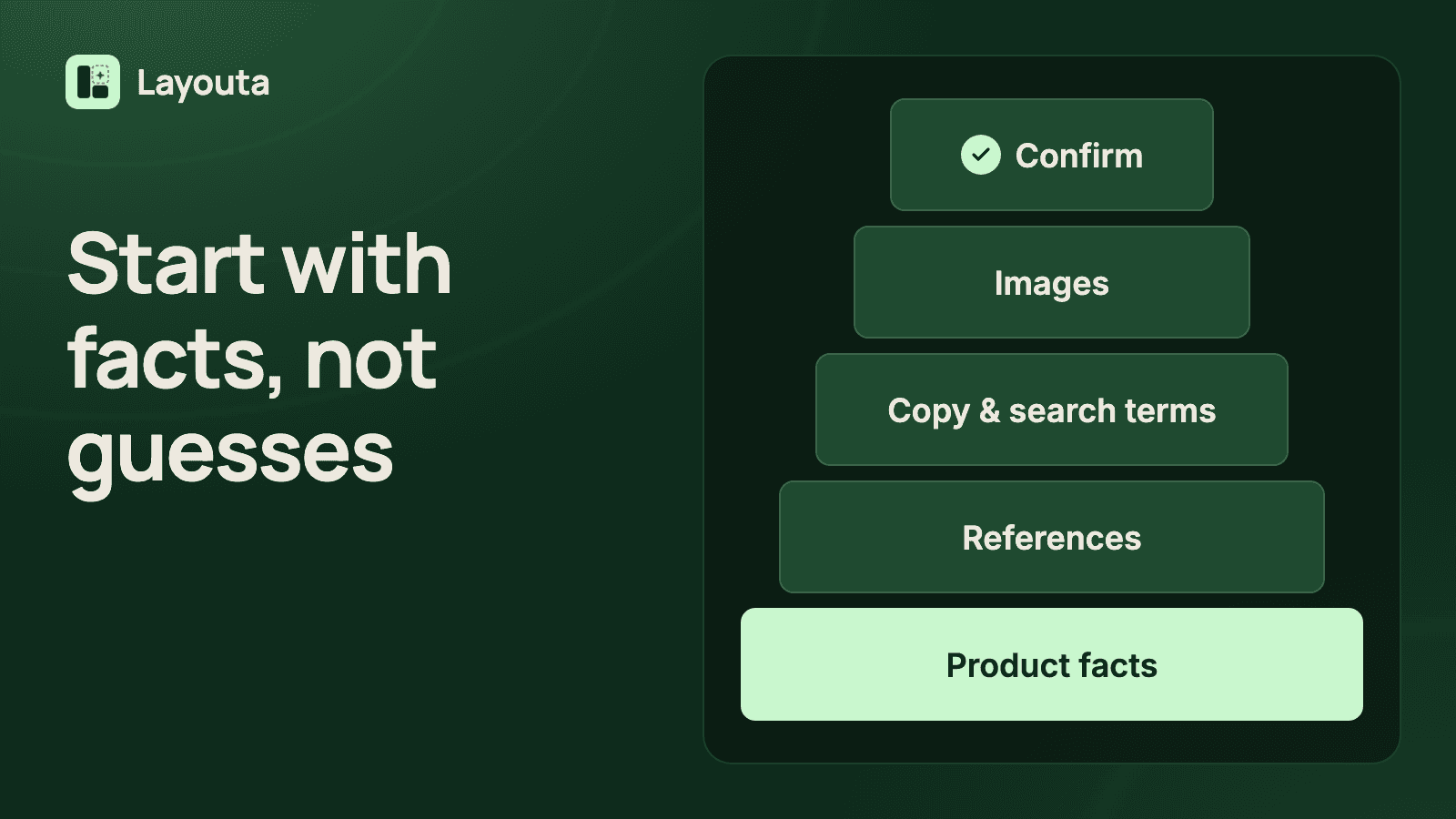
A Practical Framework for Amazon Listing Optimization That Doesn't Start With Guesswork
Real Amazon listing optimization starts with facts and competitive context, not keyword tricks. A step-by-step framework covering copy, backend terms, and images.
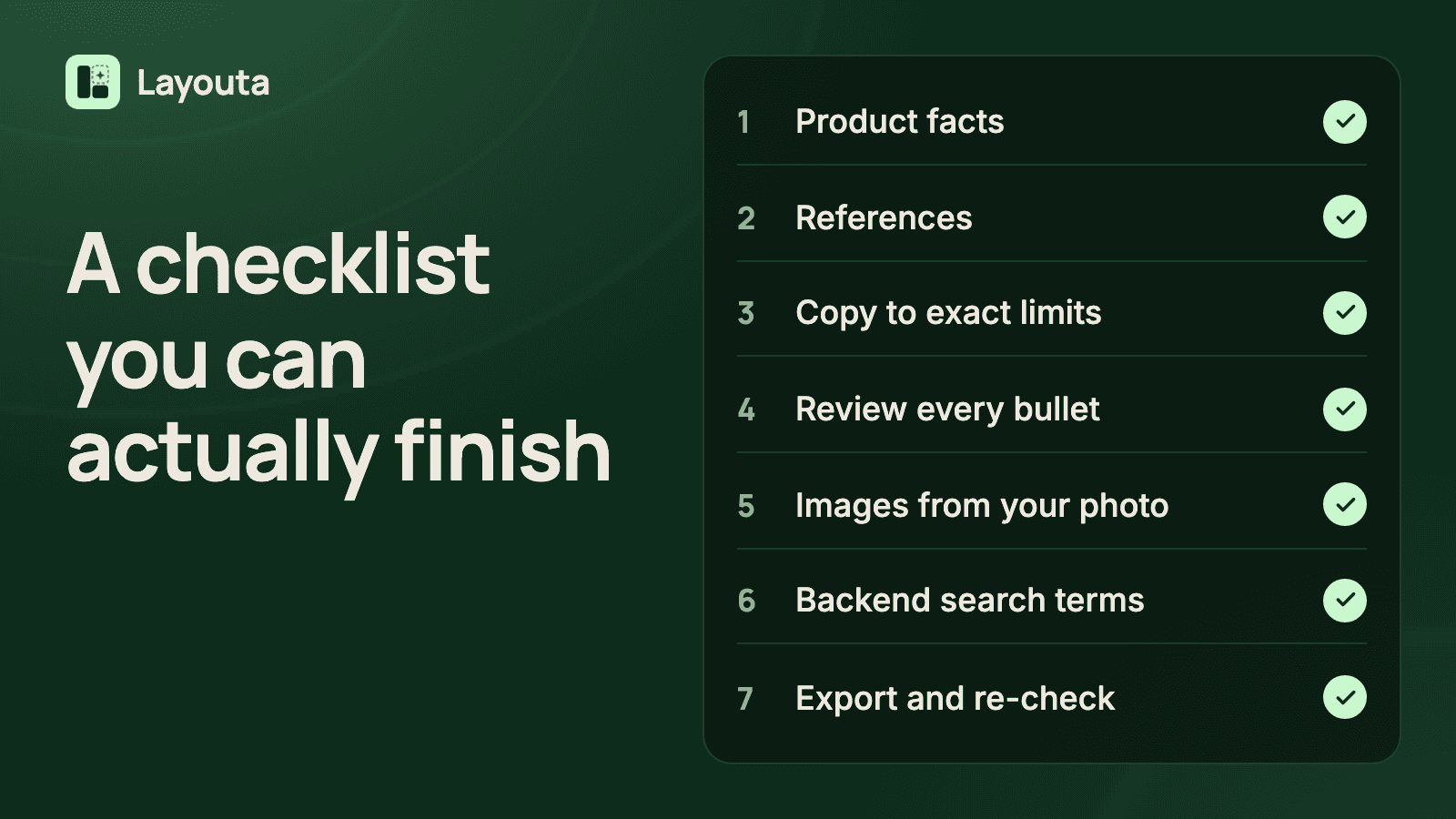
A Product Listing Optimization Checklist Sellers Actually Finish
A practical, in-order checklist for product listing optimization — facts, references, copy, images, and export — built around what you can actually confirm about your product.