Image Translate
Translate the text in an image without rebuilding it. Upload a picture, pick the language and the size, and get the same layout with the words in that language.
1K: 9 credits · 2K: 15 credits
Your image
Drop an image here. Set everything up first — a free account is only needed when you generate.
Brand names, numbers and units stay as they are.
Example
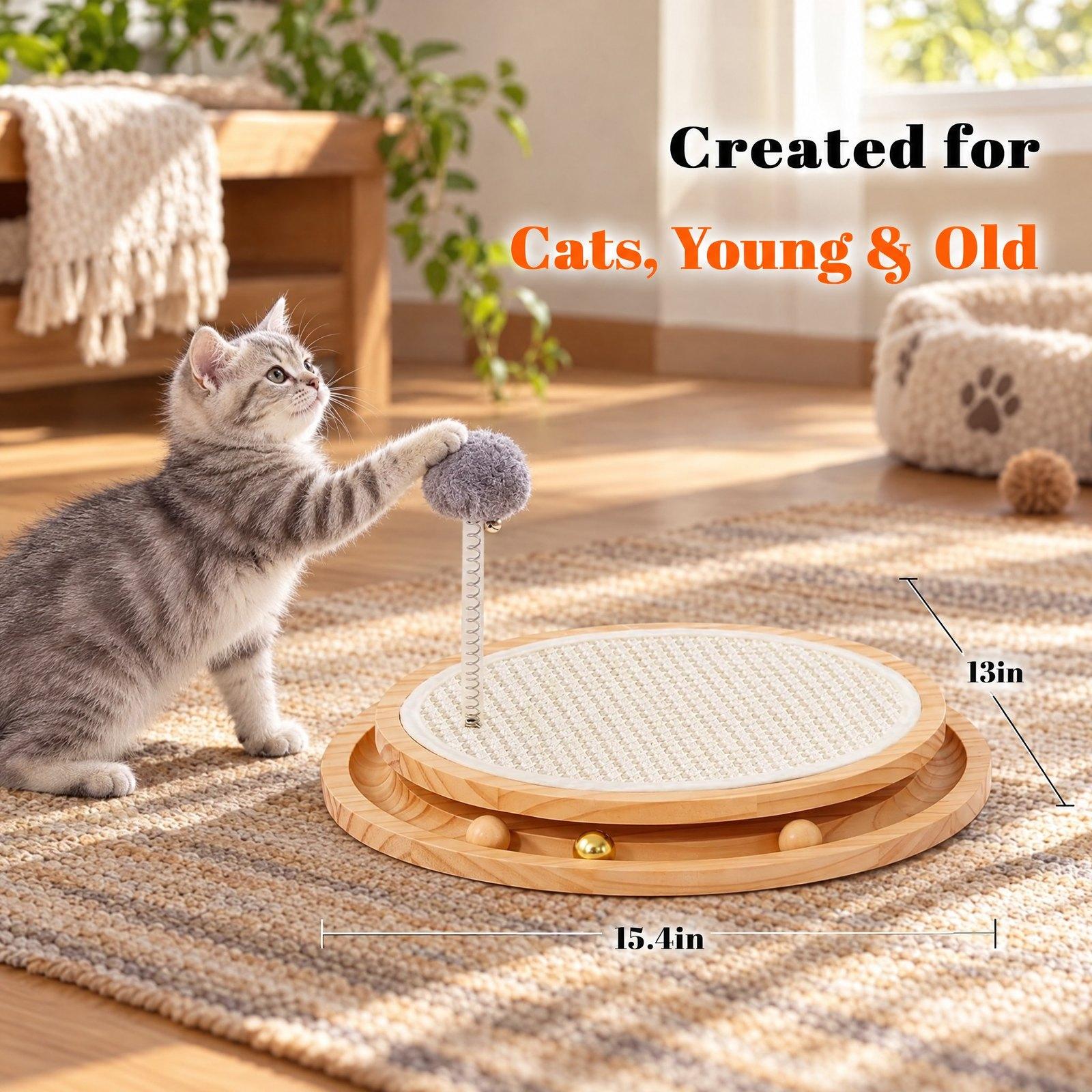
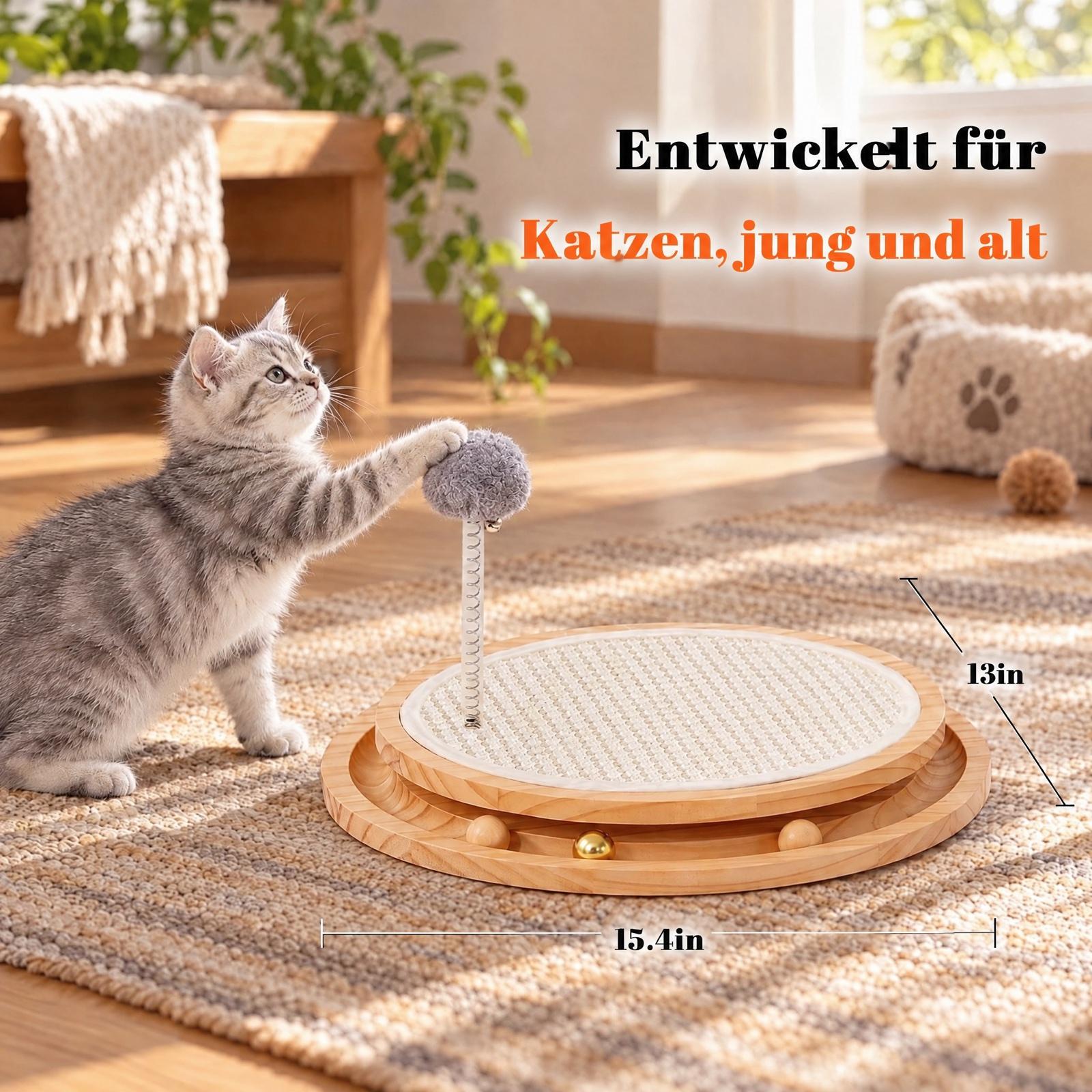
Use cases
One image set, many marketplaces
Turn your English listing images into German, French, Spanish, Italian, Japanese and more without a designer.
Supplier pictures into your language
Translate the text on factory pictures and spec sheets so you can read and reuse them.
Banners and A+ pictures
Keep your design and set a custom width and height to match the slot you need.
How it works
- Step 1
Upload your image
A listing image, poster, label or banner with text on it — JPEG, PNG or WEBP.
- Step 2
Choose language and size
Pick the target language and 1K or 2K. Keep the original shape, choose a preset, or type your own width and height.
- Step 3
Translate, check, edit
Download the translated image, or open it in the image editor to change any text, add layers or fix a detail.
What you get
The layout stays
Text is replaced where it was, in a matching style. The product, background and icons are kept.
Your numbers and names stay
Sizes, units, brand names and model numbers are left as they are, and nothing is added that the picture did not say. Check every translation before you publish.
Priced before you start
9 credits at 1K, 15 at 2K, shown on the button. A failed run costs nothing.
Questions
- How do I translate text in an image?
- Upload the image, pick the target language and a size, and press Translate. You get the same picture with its text in that language, ready to download or edit.
- Which languages can I translate an image into?
- Every listing language of the marketplaces we support — English, German, French, Spanish, Italian, Dutch, Polish, Swedish, Turkish and Japanese — plus Simplified Chinese.
- What sizes can I get?
- The shape of your original, a preset (square, 3:4, 4:3, 16:9, 9:16), or your own width and height: up to 1254 pixels on the long side at 1K and 2048 at 2K, with the long side no more than three times the short side.
- How much does it cost?
- 9 credits at 1K and 15 credits at 2K. If a run fails, the credits are returned.
- Can I edit the translated image?
- Yes. It opens in the same image editor as your listing images, where you can change text, add layers and make AI edits. Every save is a new version.
- Is the translation always right?
- AI can get a word wrong, so read the result before you publish it, especially figures and claims. Only translate images you have the right to use.