AI Image Generation Tools
Every AI image generation tool we offer, in one place. Pick one and start straight away — no listing project needed.
Generate
Create new images from your product and references.
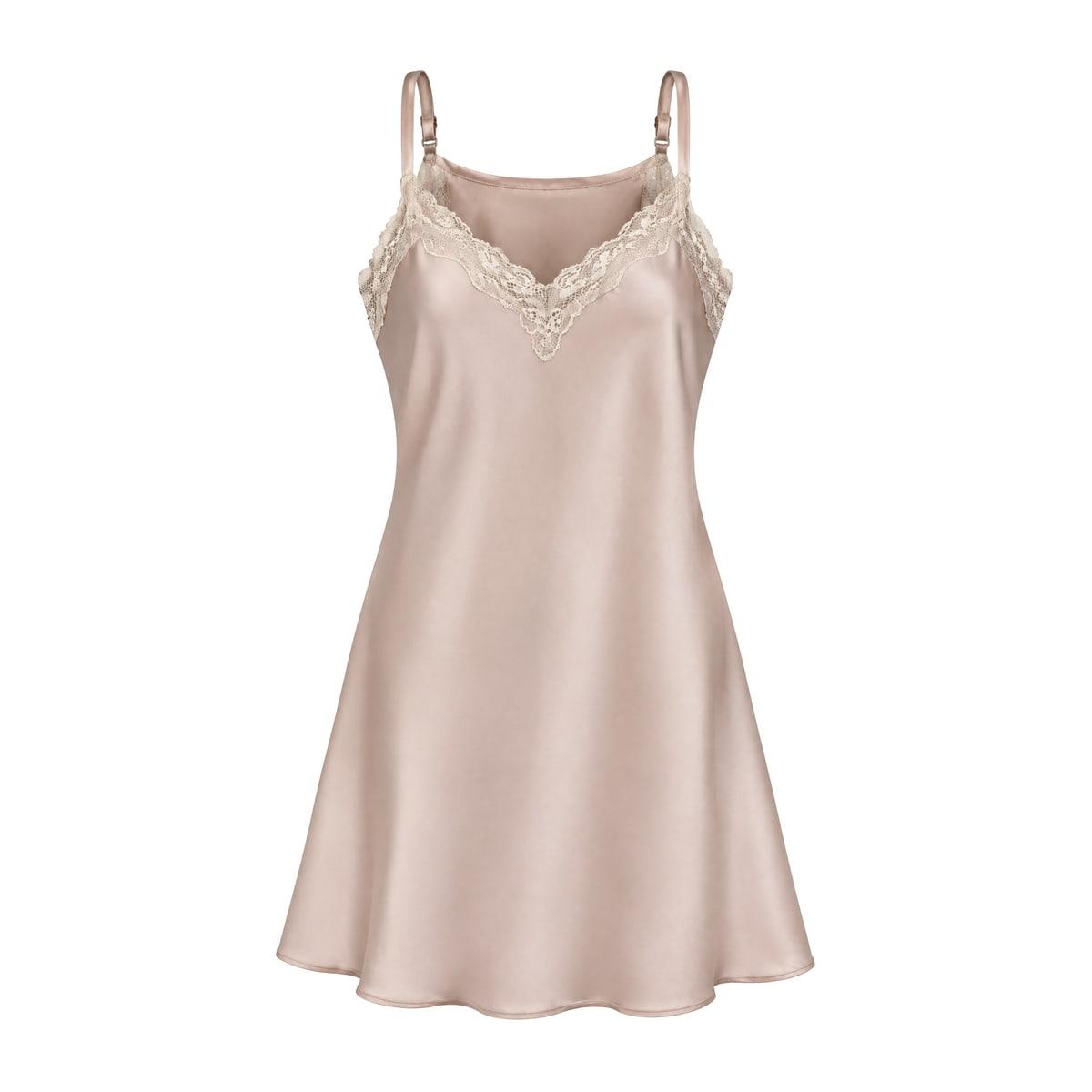
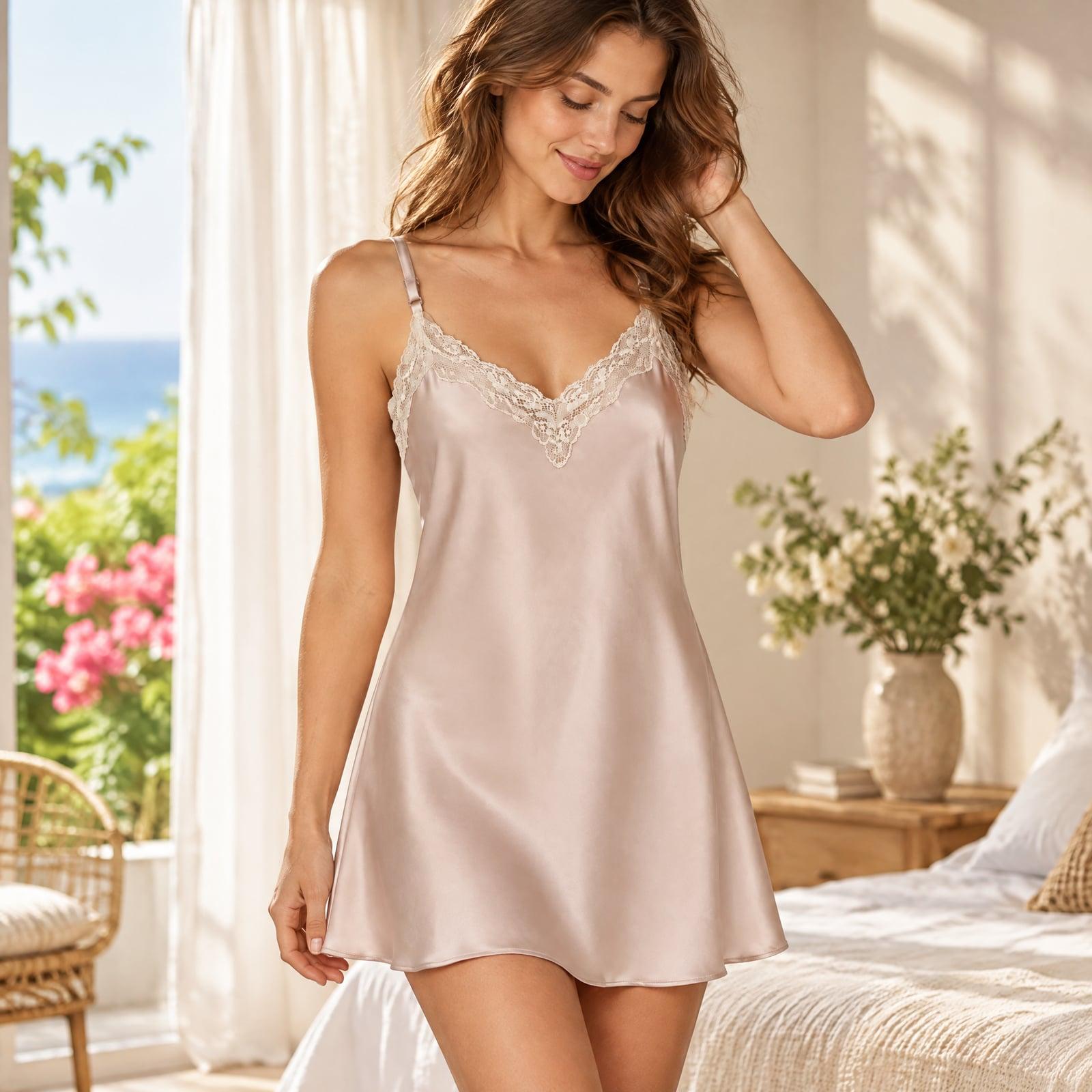
AI Photoshoot
Turn one product photo into studio, lifestyle, in-hand and on-model shots.
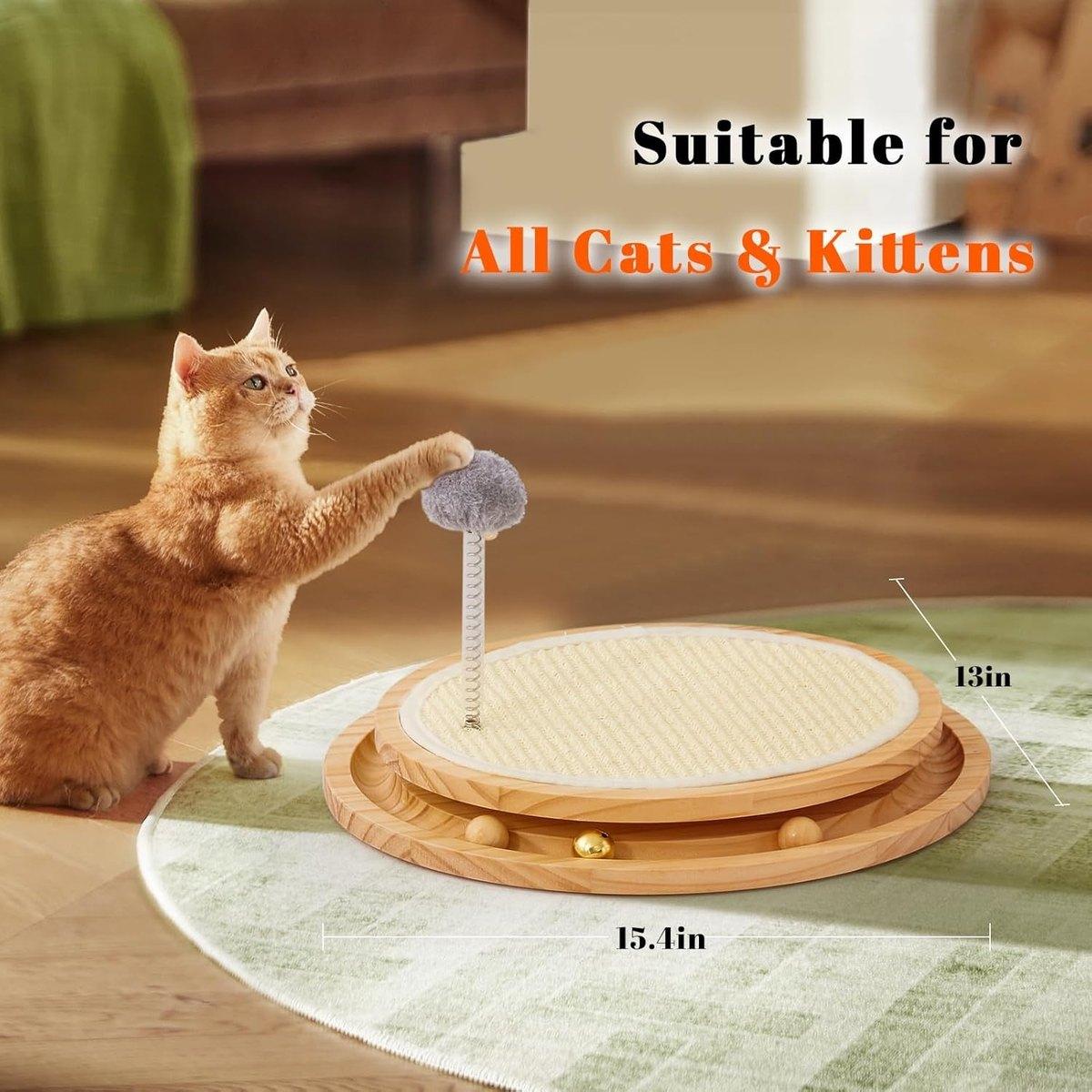
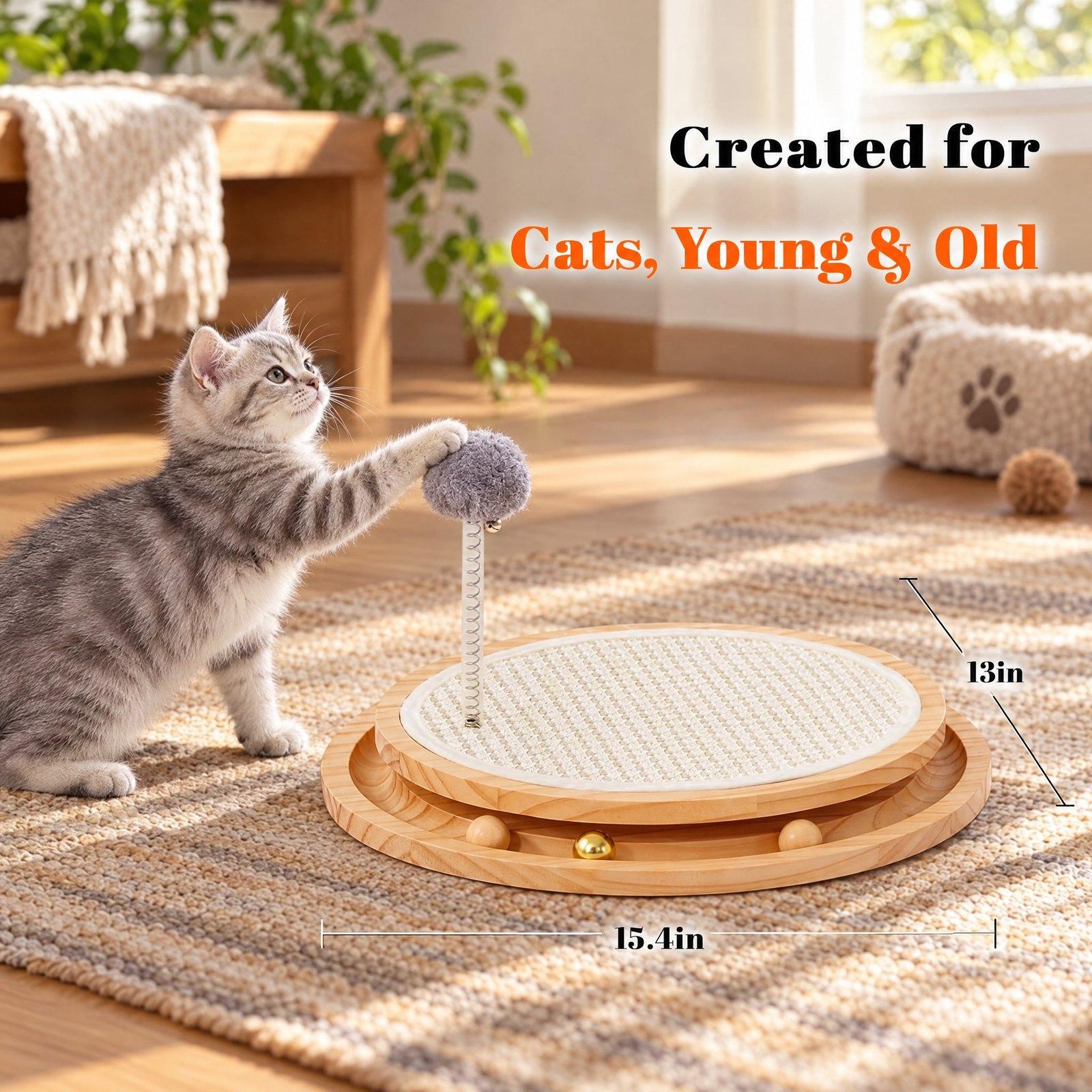
Viral Image Generator
An original image in the style of one that went viral — your product optional.
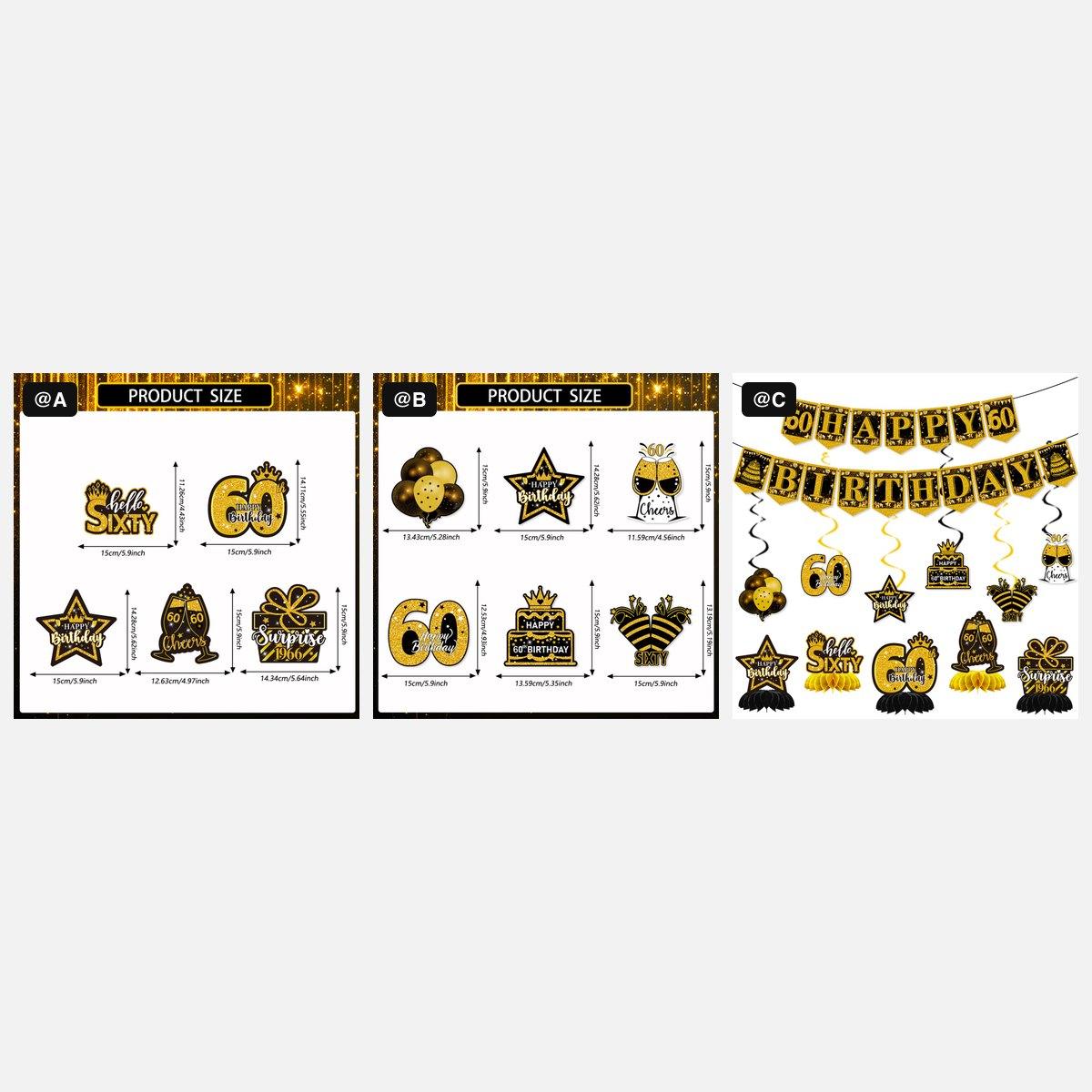
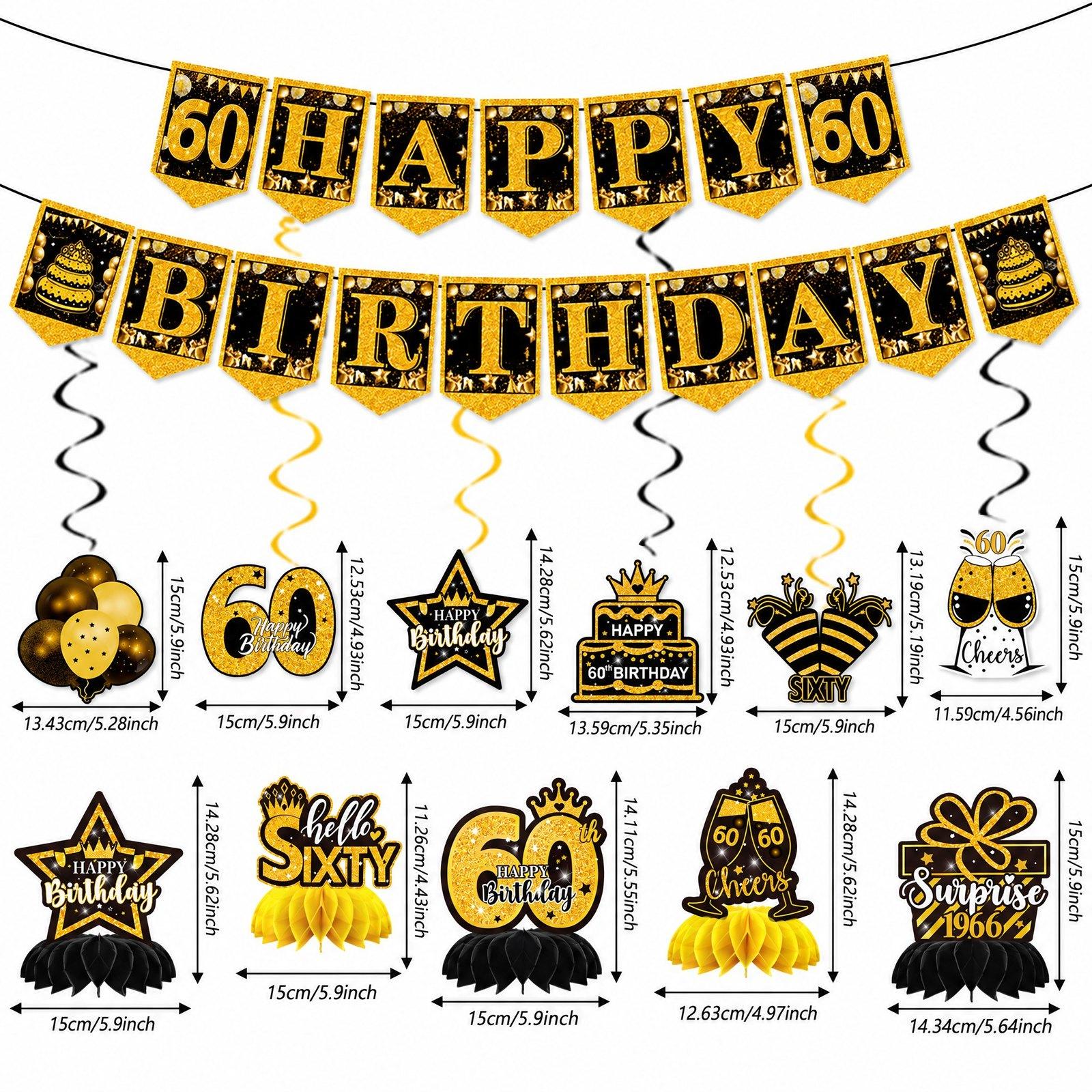
AI Image Combiner
Merge 2–6 images into one — tag them @A, @B and say what to take from each.
Edit
Fix, change or resize a picture you already have.
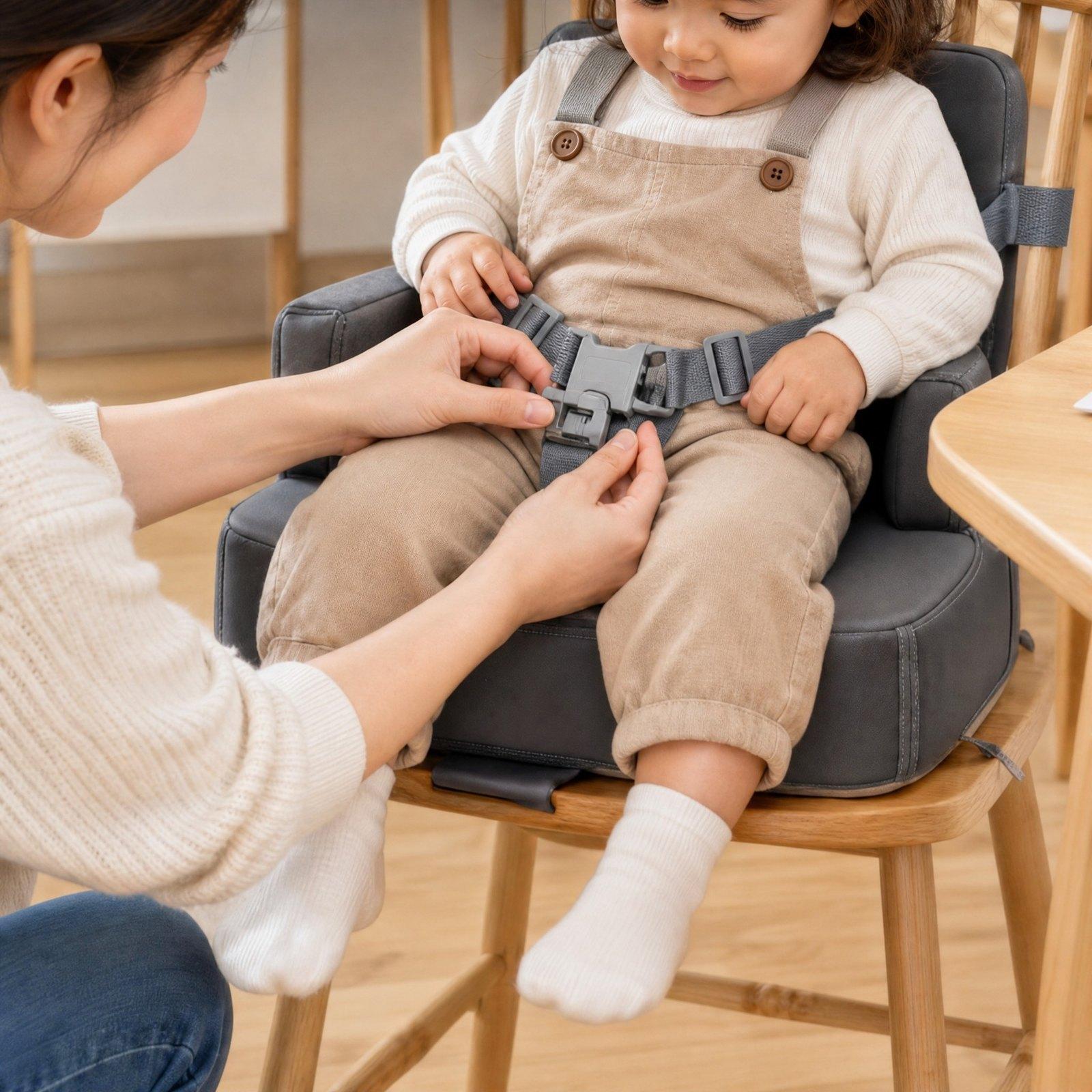
AI Image Enhancer
Turn a blurry or low-resolution image into a sharp 2K version.
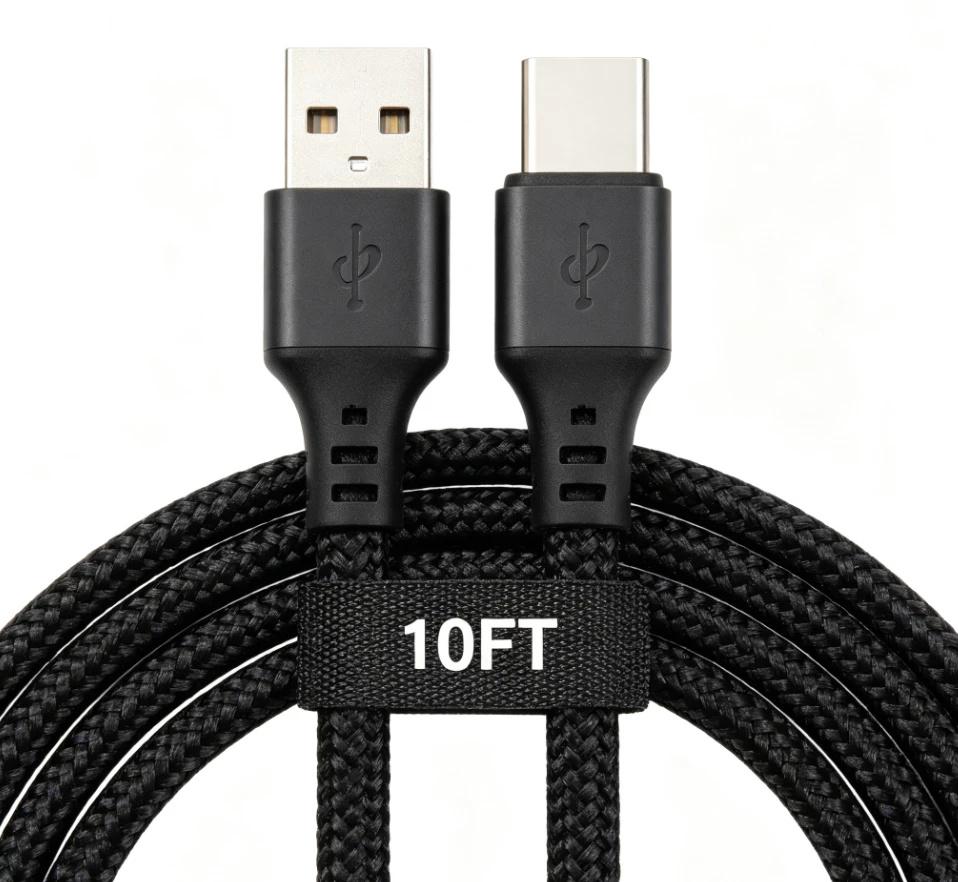
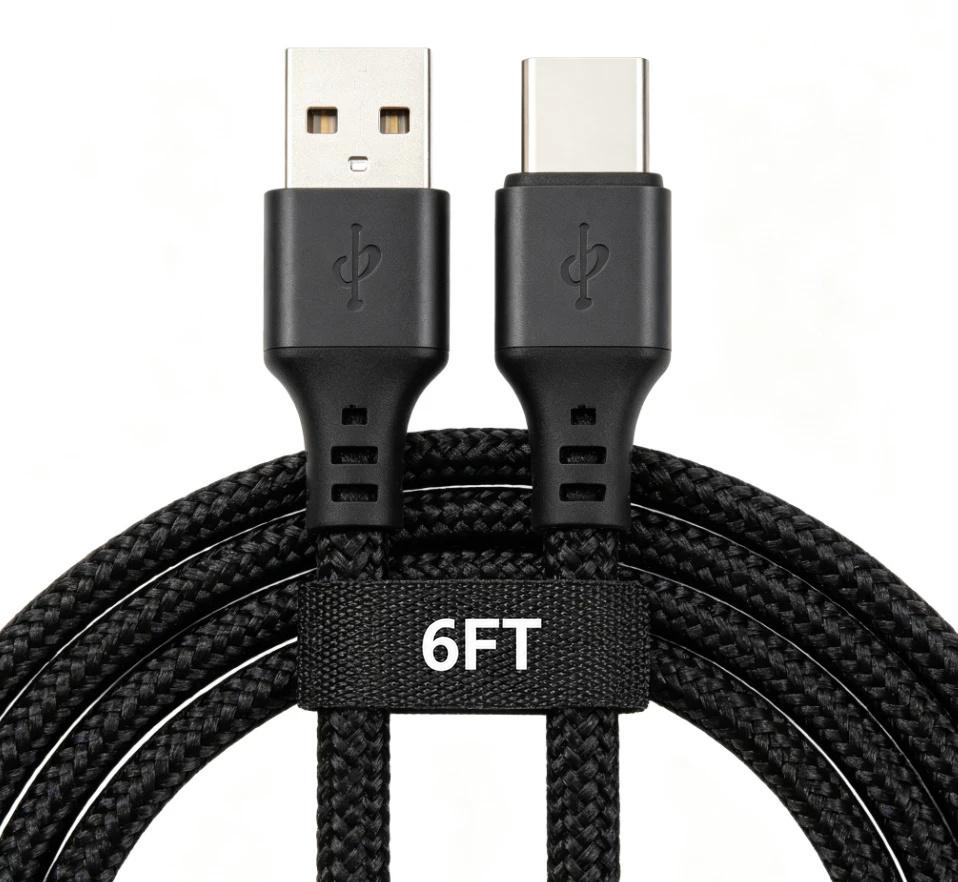
AI Inpaint
Brush over part of a photo to remove it or replace it — add a SKU, change size text.
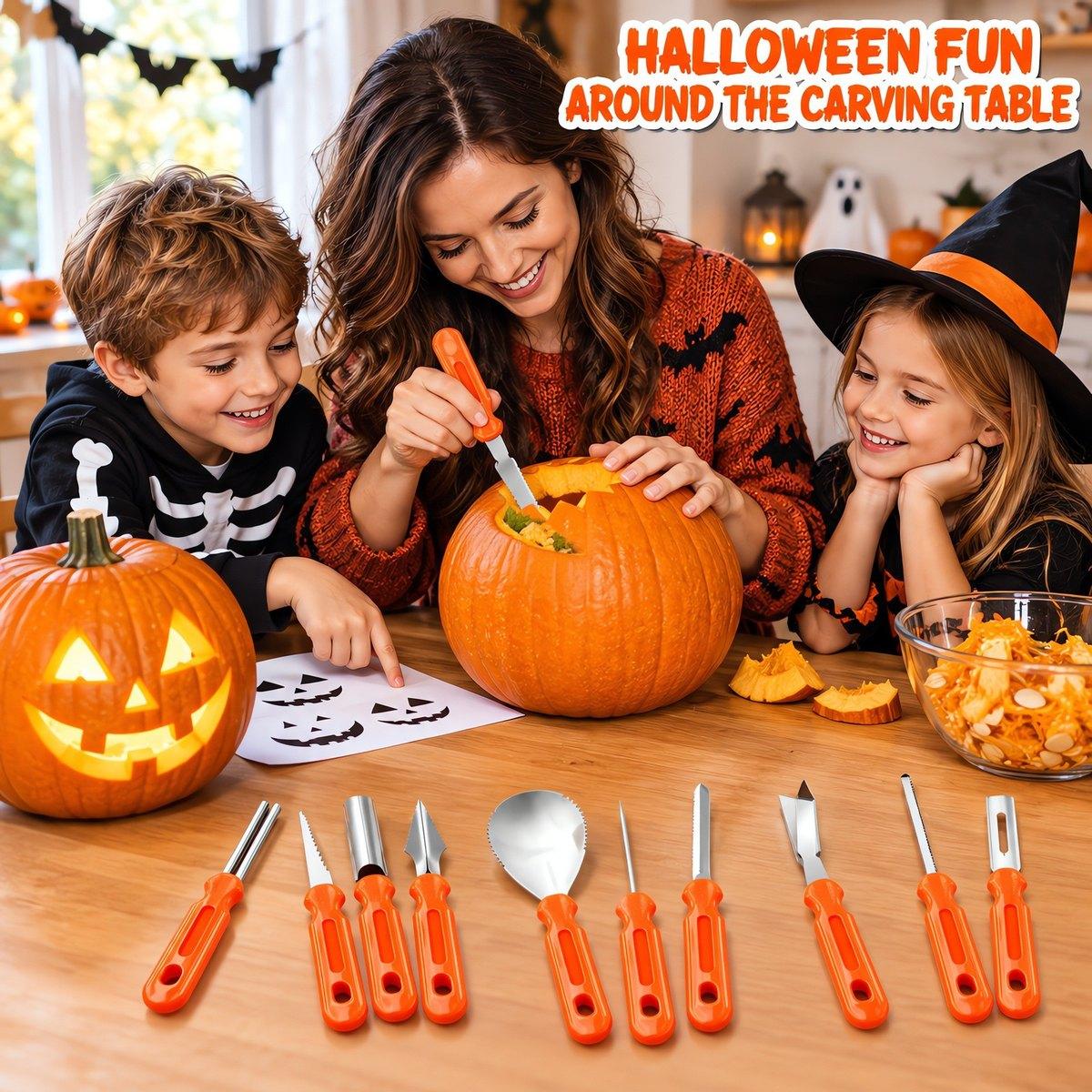
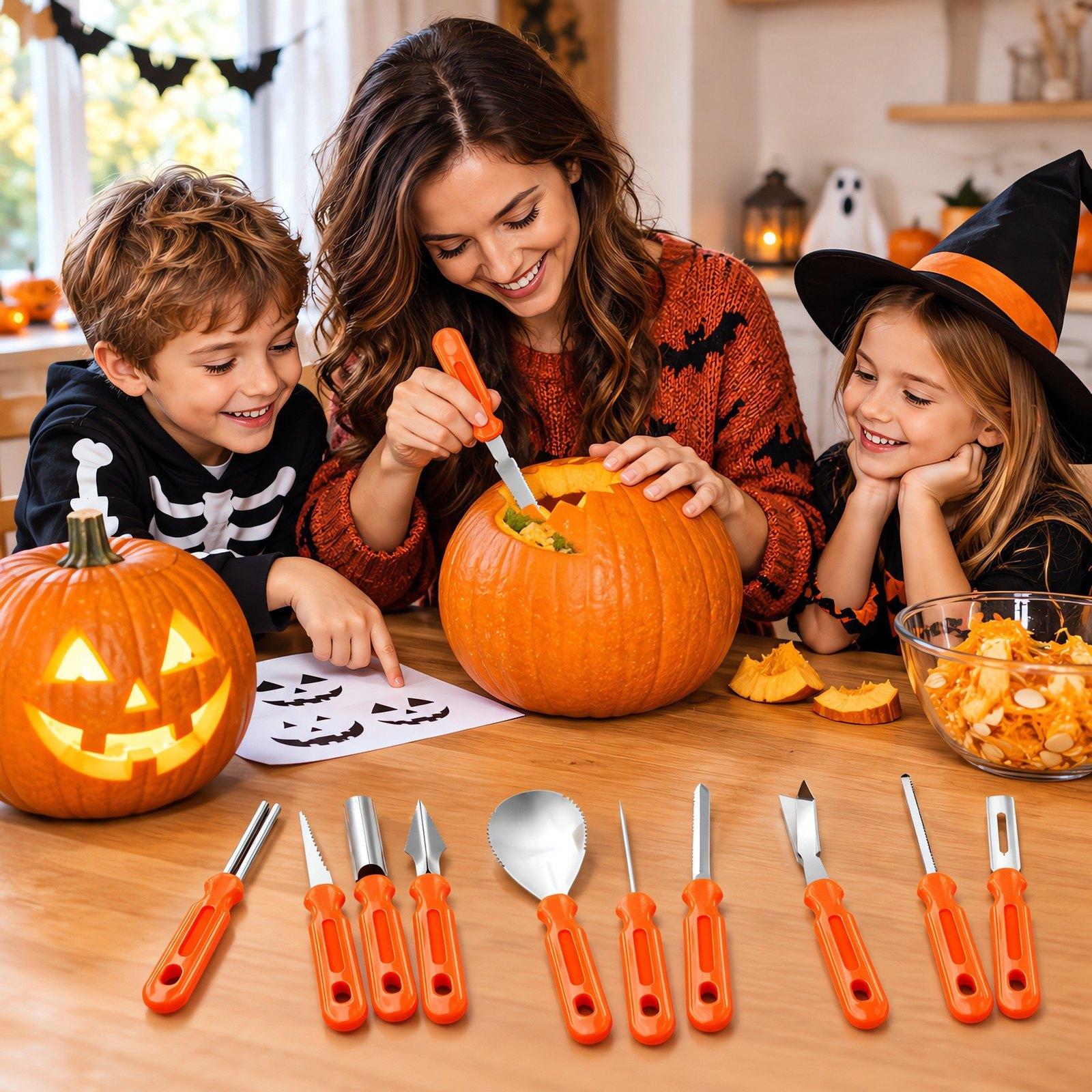
Magic Eraser
Brush over a sticker, a person or clutter and AI erases it cleanly.
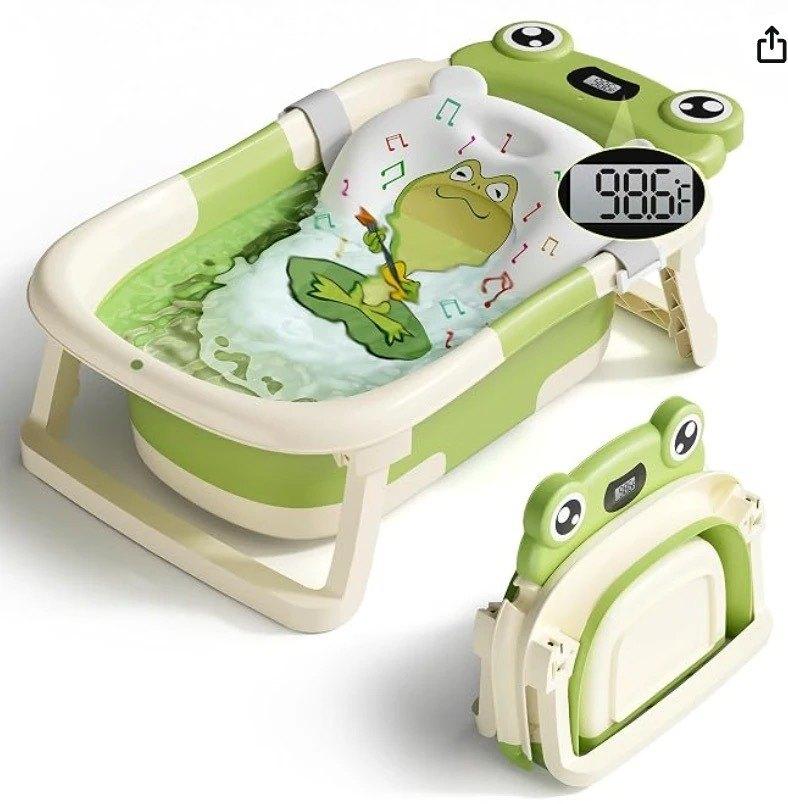
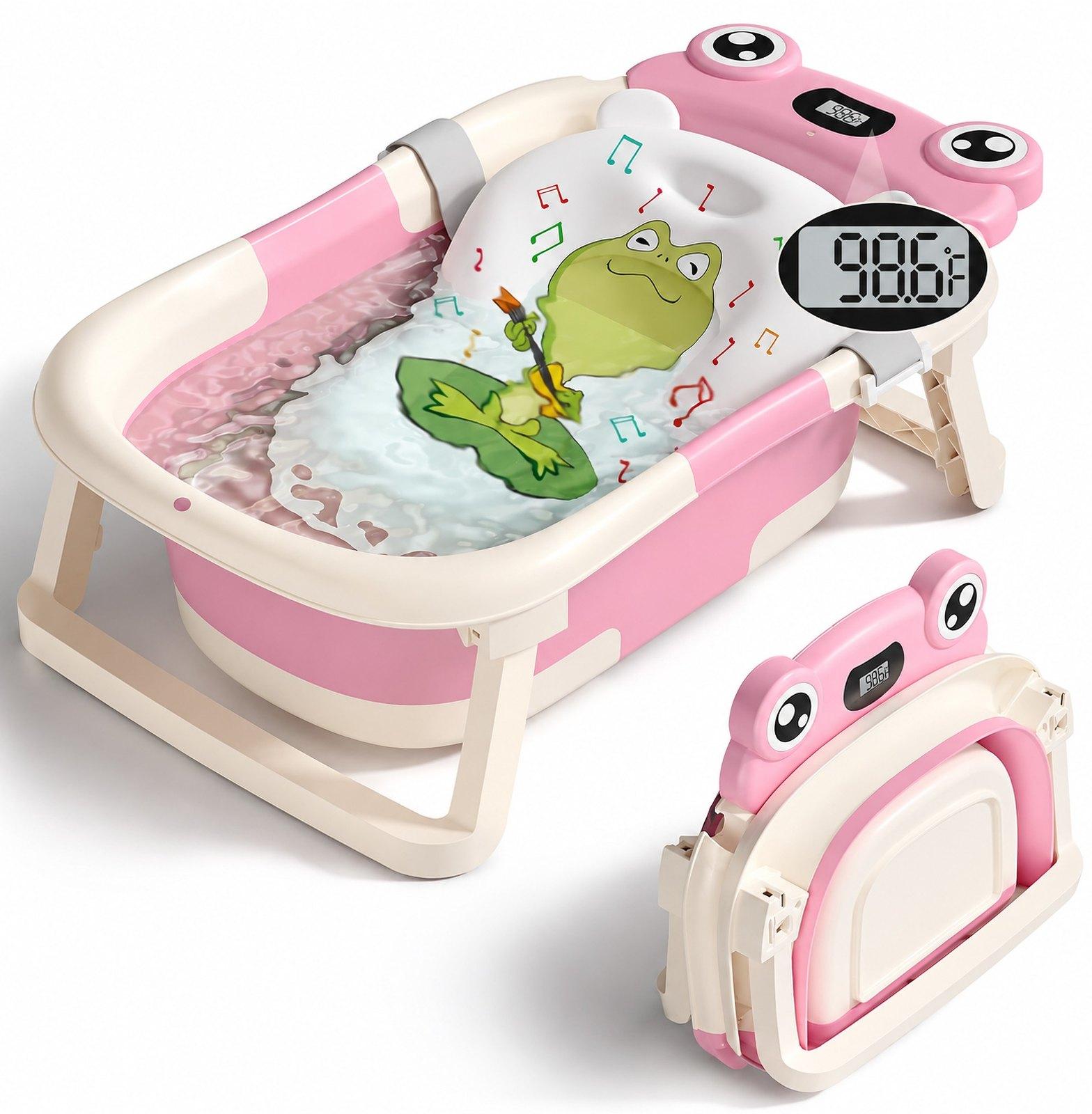
Color Changer
Recolor any part of a photo — one shot becomes an image for every color SKU you sell. Pick the color and the model.


Change Image Size
Set any width and height — AI extends the background when the shape changes.
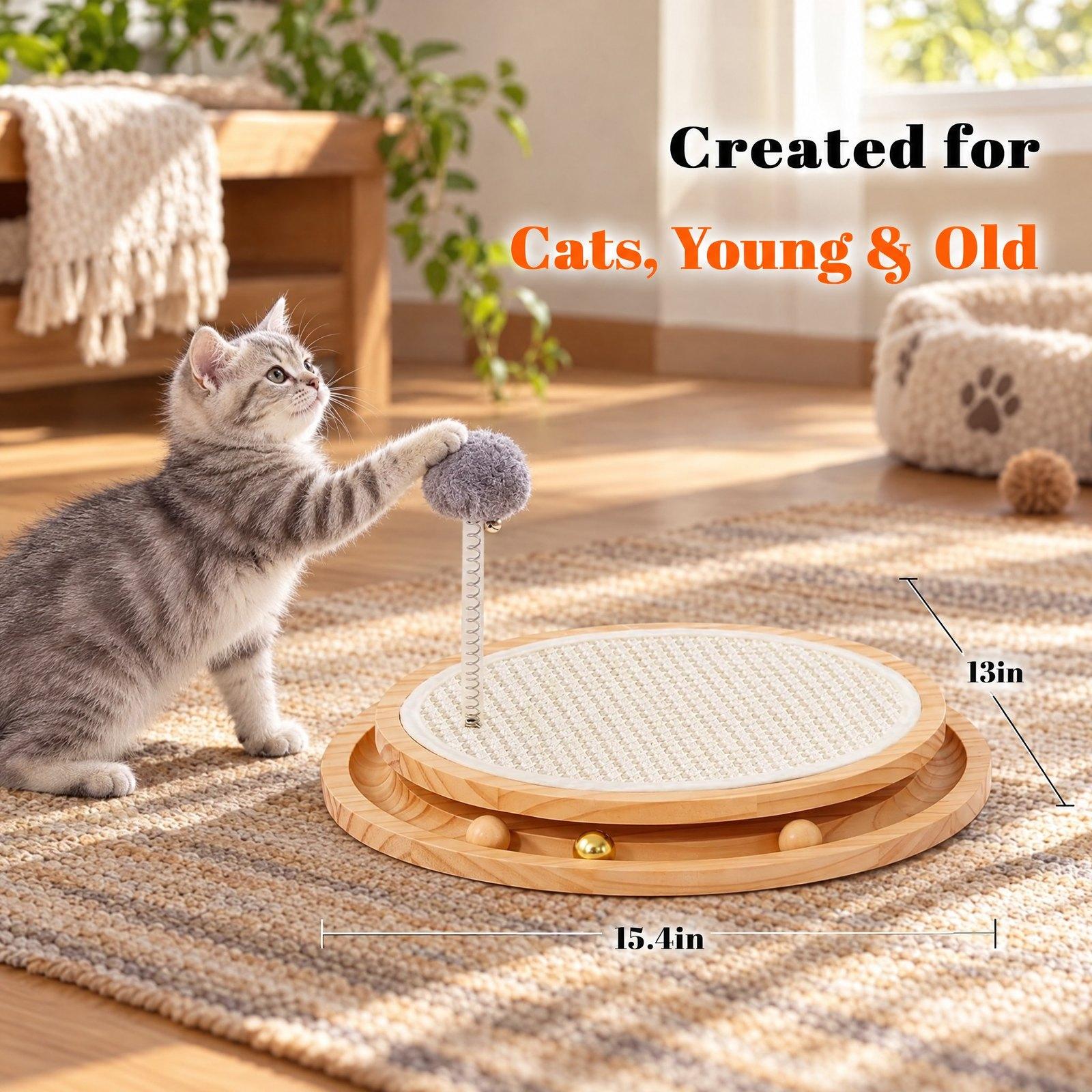
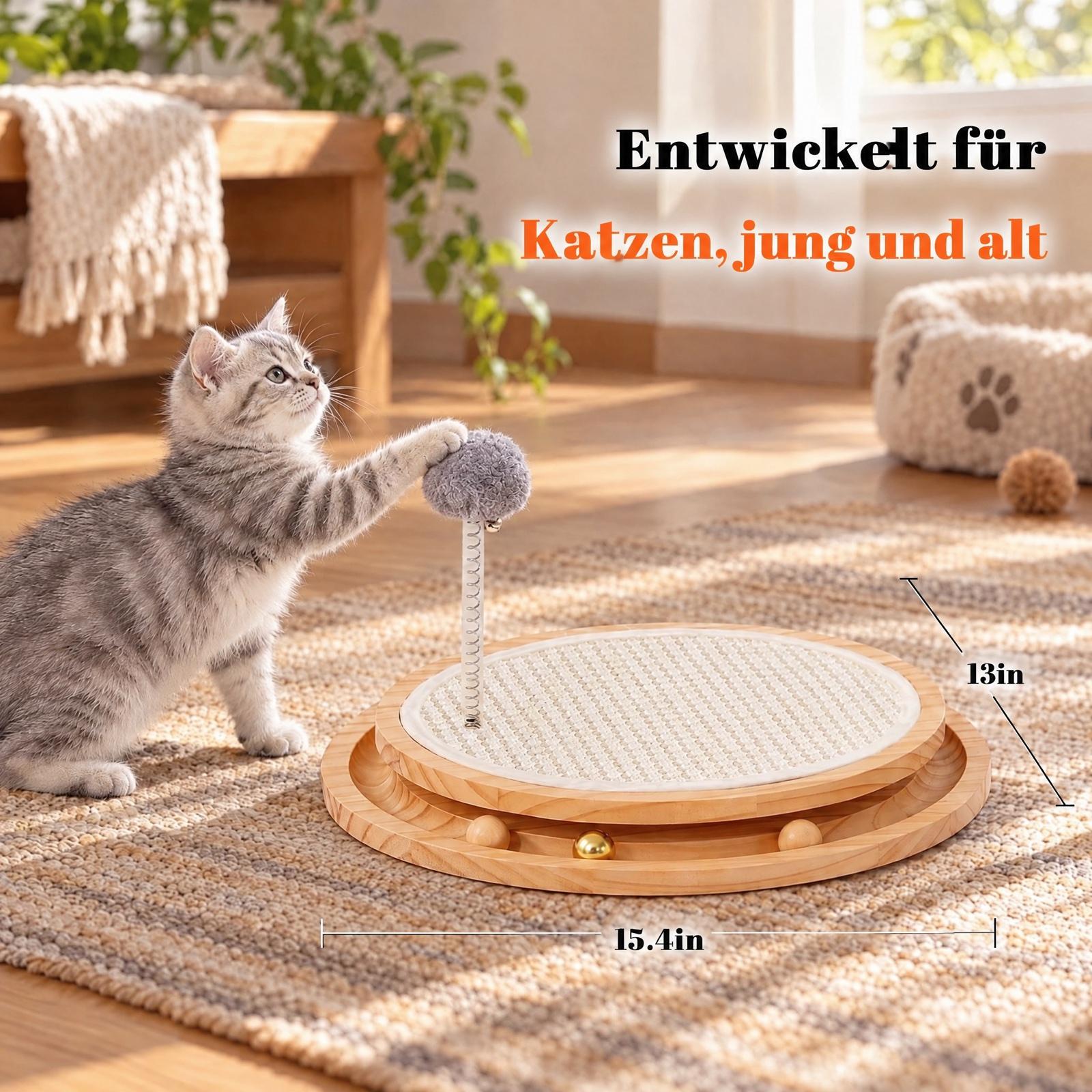
Image Translate
Translate the text in an image into another language and keep its layout.
Background
Cut out your product or put it on pure white.
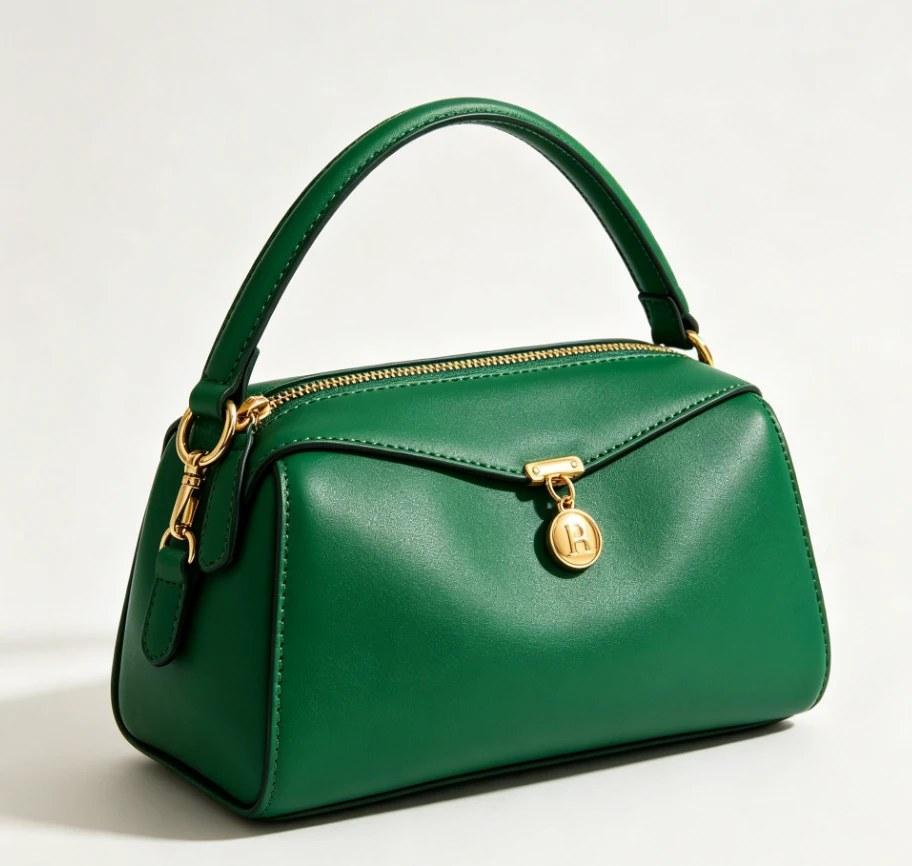
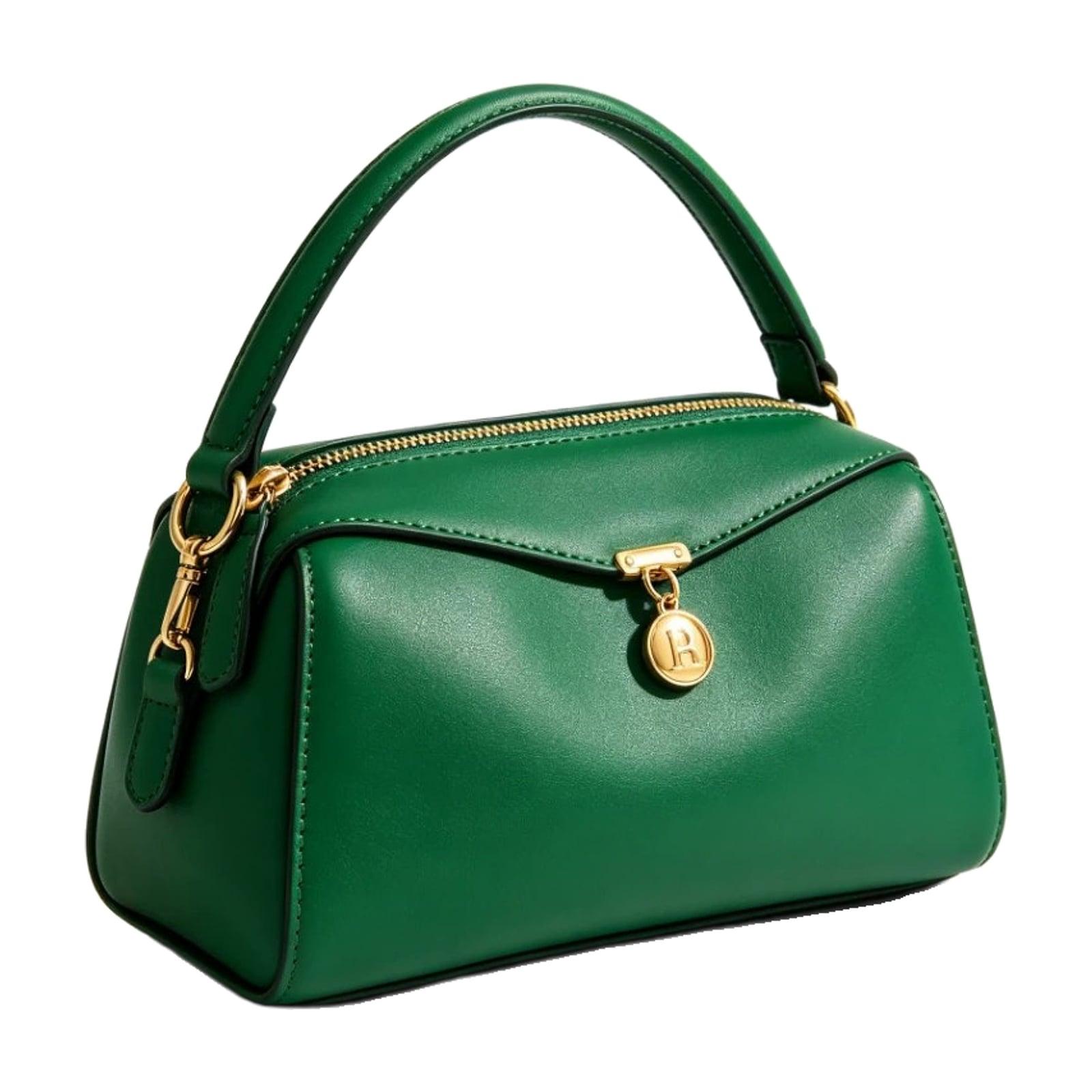
Fine cutout + Remove shadow
White Background Maker
Put a product photo on a pure white background, centred and sized.
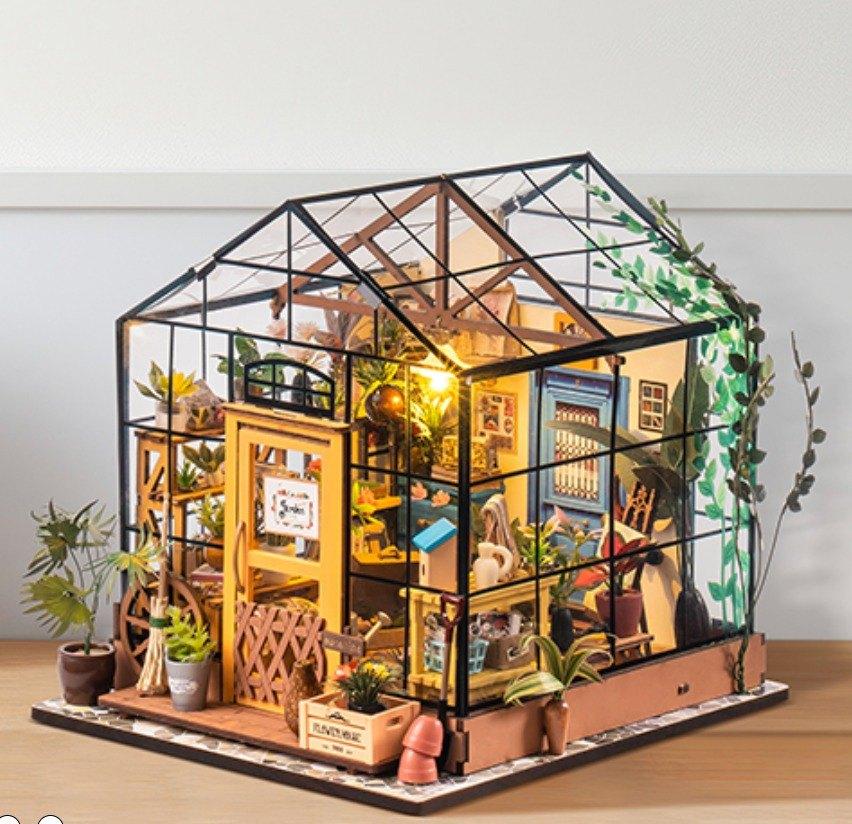
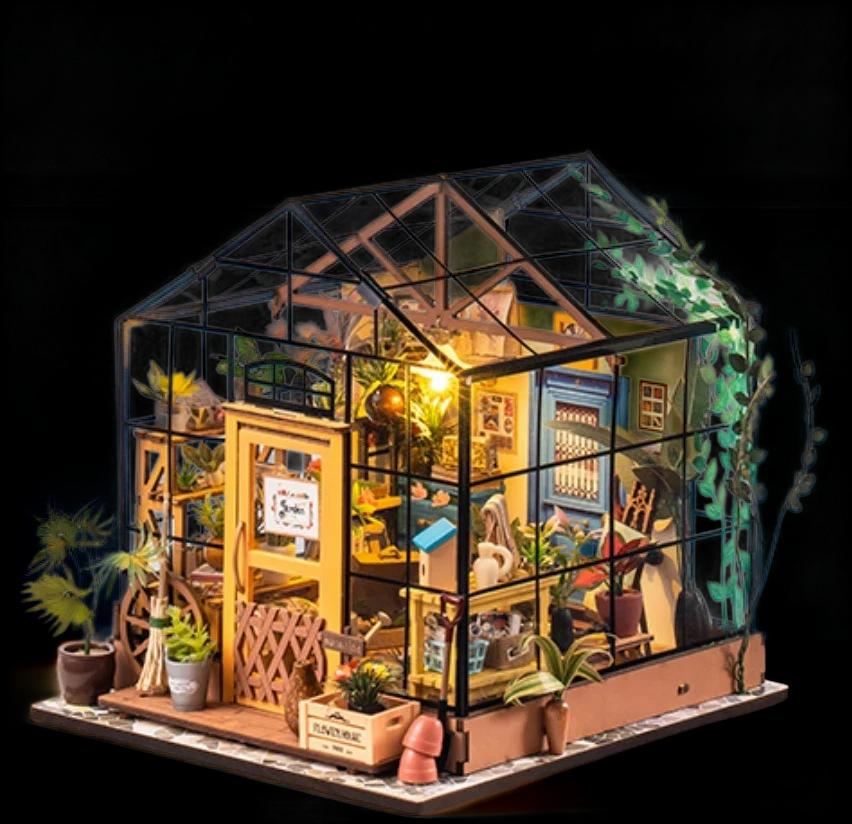
Made with the fine cutout
Remove Background
Remove the white or busy background and download a transparent PNG.
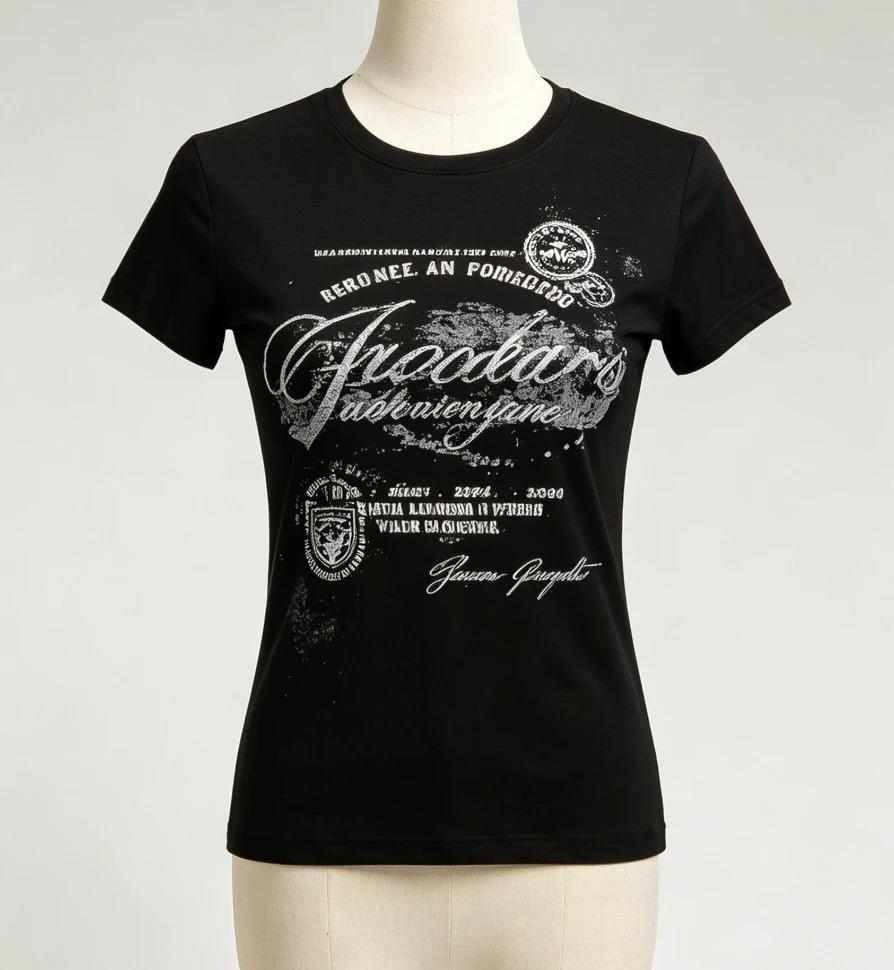
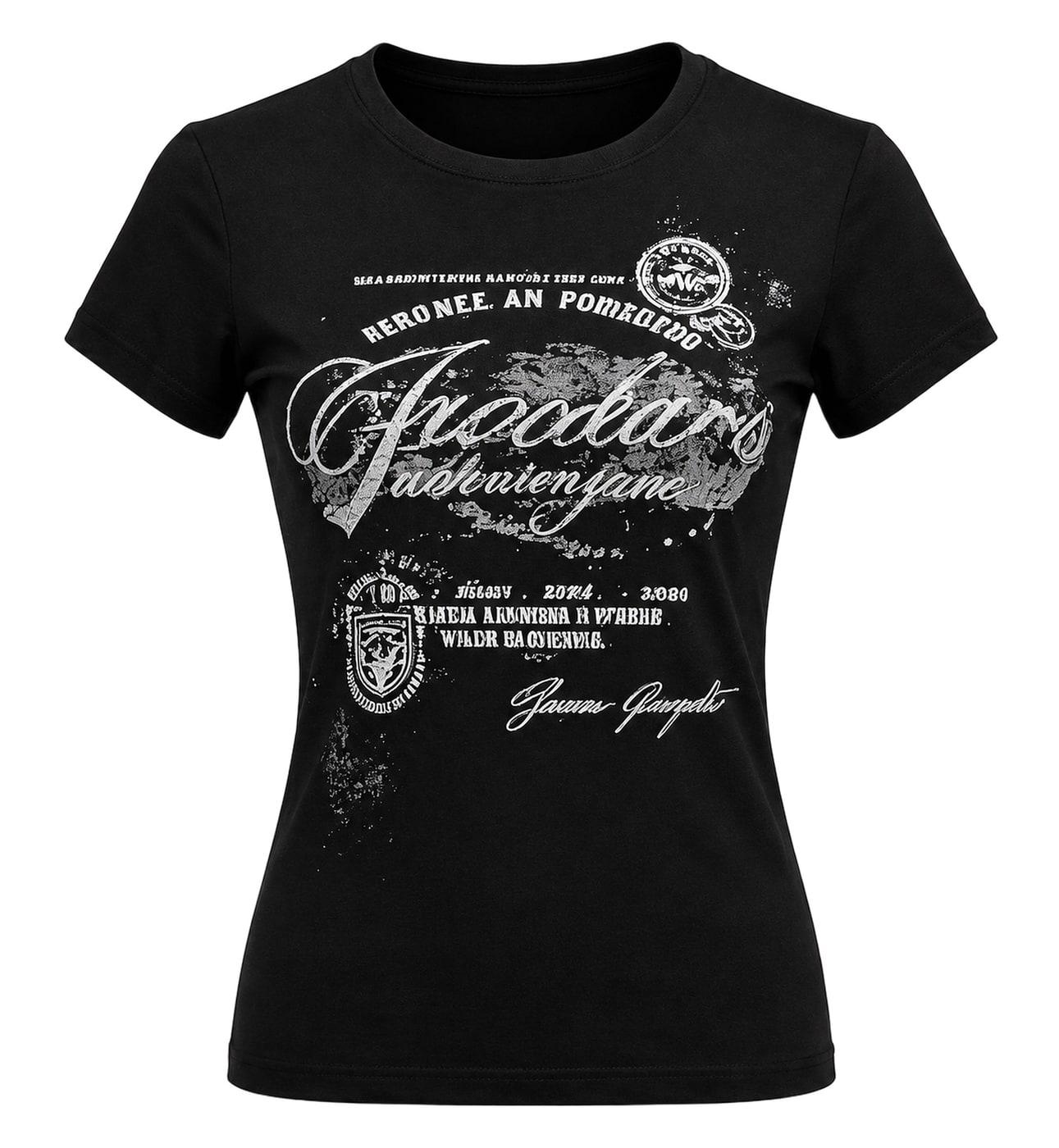
Ghost Mannequin
Remove the mannequin from a clothing photo for the hollow ghost mannequin look on pure white.
Listing helpers
Small jobs to get your images ready to publish.
contains-synthetic-performer tag tool
batch-tag AI-generated people images the way Amazon asks, right in your browser.
All our AI image generation tools
What each of these AI image generation tools does, in one line:
- AI Image Enhancer — Turn a blurry or low-resolution image into a sharp 2K version.
- White Background Maker — Put a product photo on a pure white background, centred and sized.
- Remove Background — Remove the white or busy background and download a transparent PNG.
- Change Image Size — Set any width and height — AI extends the background when the shape changes.
- Color Changer — Recolor any part of a photo — one shot becomes an image for every color SKU you sell. Pick the color and the model.
- AI Inpaint — Brush over part of a photo to remove it or replace it — add a SKU, change size text.
- Magic Eraser — Brush over a sticker, a person or clutter and AI erases it cleanly.
- Viral Image Generator — An original image in the style of one that went viral — your product optional.
- AI Image Combiner — Merge 2–6 images into one — tag them @A, @B and say what to take from each.
- Image Translate — Translate the text in an image into another language and keep its layout.
- Ghost Mannequin — Remove the mannequin from a clothing photo for the hollow ghost mannequin look on pure white.
- AI Photoshoot — Turn one product photo into studio, lifestyle, in-hand and on-model shots.
Free, no sign-in: contains-synthetic-performer tag tool — batch-tag AI-generated people images the way Amazon asks, right in your browser.