Color Changer
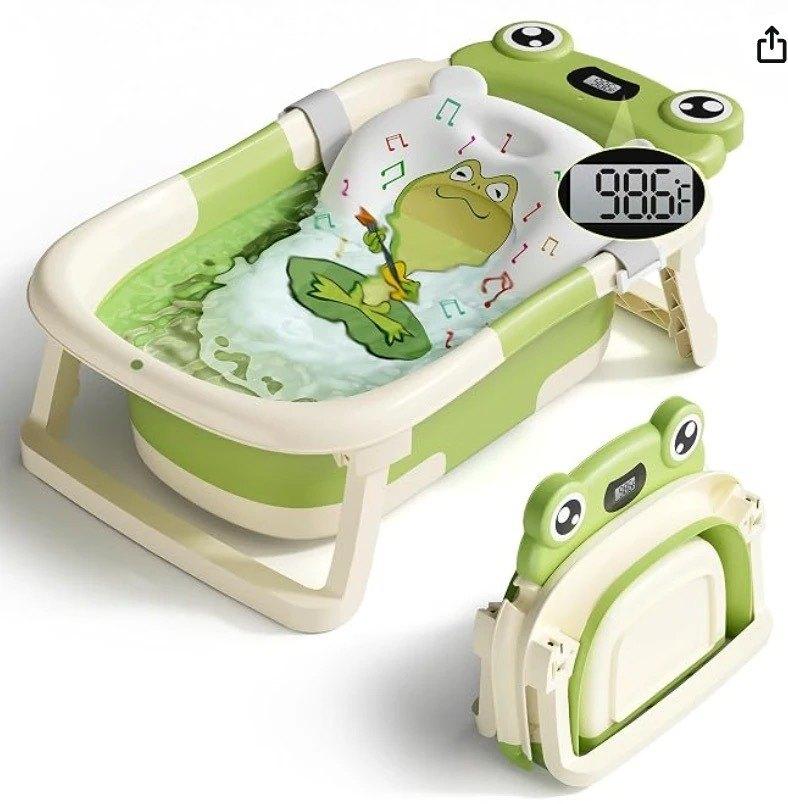
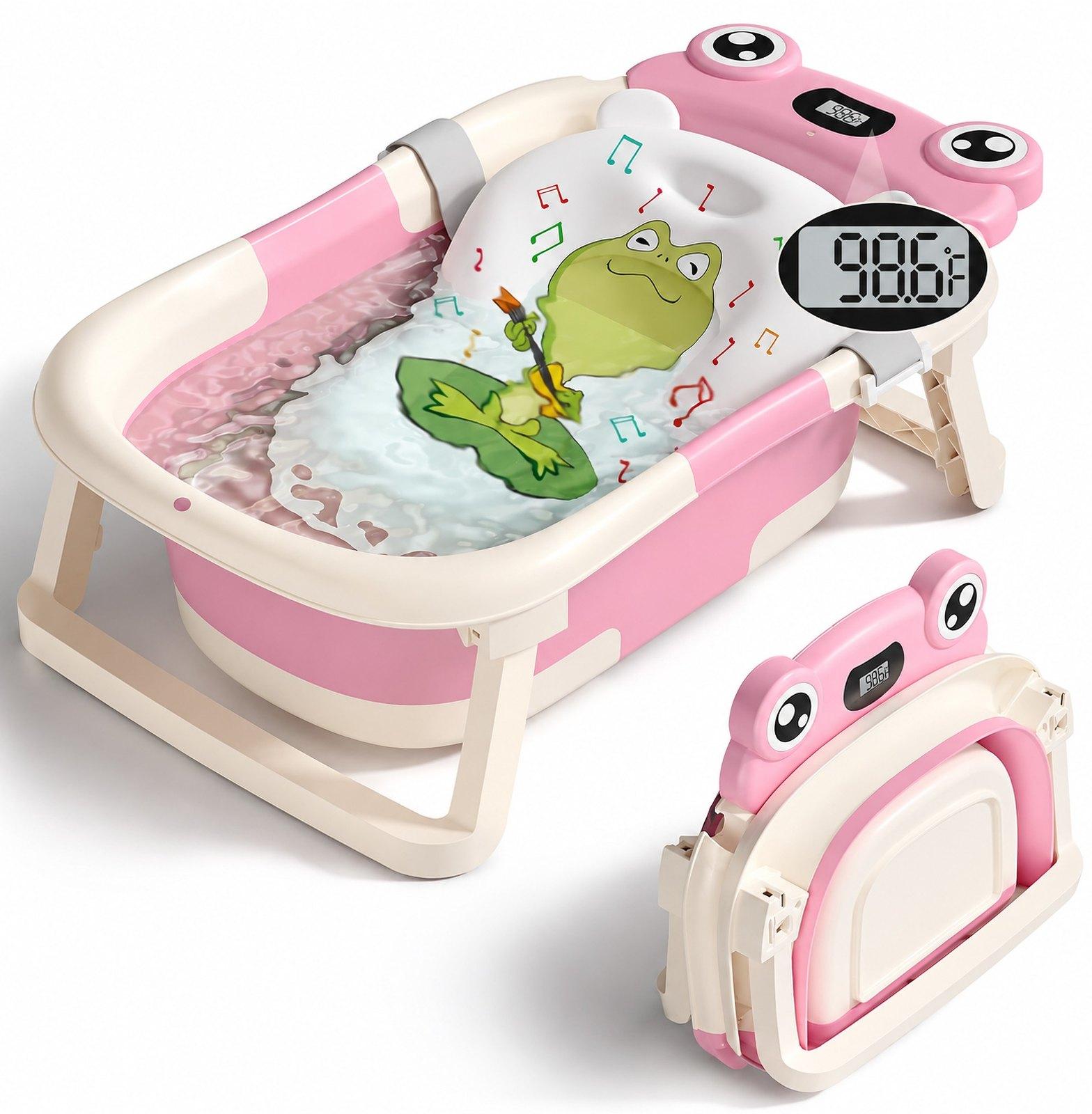
Change the color of a product, a piece of clothing or any part of a photo — for example, one image for every color variant (SKU) you sell, from a single shot. Name the part, pick the color, choose the model — the shading and texture stay.
From 7 credits, depending on the model
Example
Use cases
An image for every color SKU
Shot the product in one color? Make the same image for each other color you sell — same angle, same light. Only for colors you actually sell.
Try a new colorway first
See how a new color would look in your listing before you order a batch.
Match your listing’s palette
Bring a prop, a background or the packaging into the same colors as the rest of the set.
How it works
- Step 1
Upload
Drop in a JPEG, PNG or WebP up to 25 MB.
- Step 2
Pick part, color and model
Say what to recolor (or leave it for the main product), pick any color, and choose one of four models.
- Step 3
Download
Compare before and after, then download the JPEG.
What you get
Any color
Pick from the swatches, use the color picker, or type an exact hex code.
Shading and texture kept
The model is told to change only the color, keeping highlights, shadows, material, text and everything else in the picture.
Your choice of model
GPT Image 2, GPT Image 2.5 and Nano Banana 2 at 2K, or Nano Banana 2 Lite at 1K for less. If a run fails, the credits are returned.
Questions
- How do I change the color of something in a photo?
- Upload the photo, type what to recolor — for example "the sofa" — pick the new color and a model, and start.
- Which model should I choose?
- They differ in price and size. Try GPT Image 2.5 first; if fine text or edges matter most, compare GPT Image 2 or Nano Banana 2. Nano Banana 2 Lite is the cheapest, at 1K.
- How much does it cost?
- Each model has its own price, shown before you start: from 7 credits for Nano Banana 2 Lite up to 21 for Nano Banana 2. New accounts get free credits.
- Will anything else in the picture change?
- The model is told to keep everything else as it is. Because the picture is redrawn by AI, check edges, text and small details before you publish.