Free
Remove White Background from Image
Upload an image with a white or busy background and download a transparent PNG cutout.
Free with an account
Example

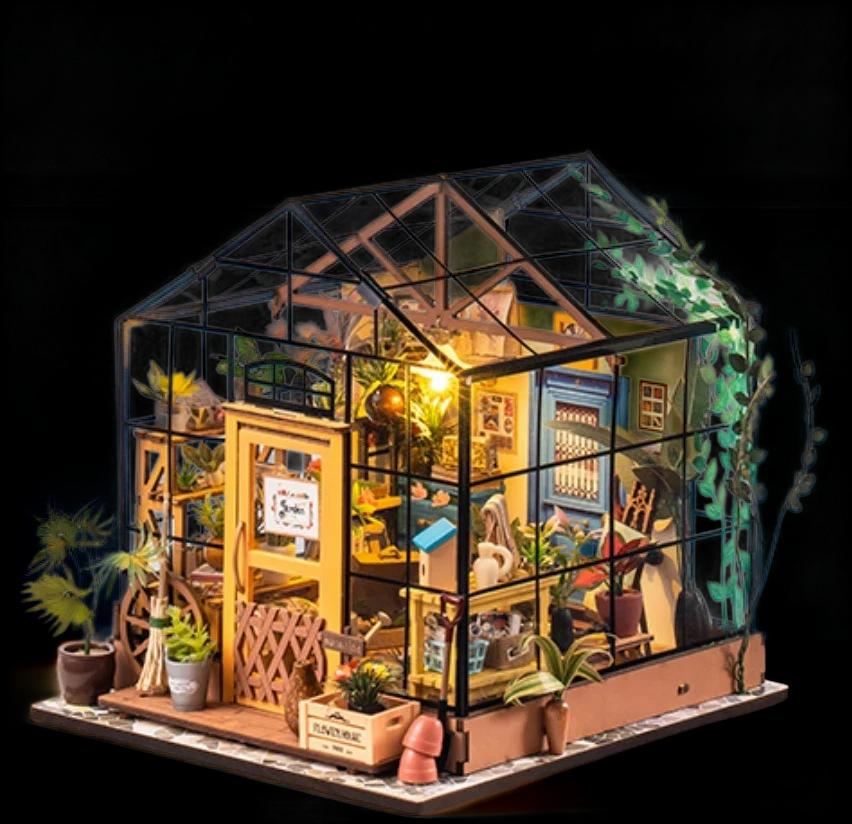
Made with the fine cutout.
How it works
- Step 1
Upload
Drop in a JPEG, PNG or WebP up to 25 MB.
- Step 2
Remove
We find the subject and make everything around it transparent.
- Step 3
Download
Download a transparent PNG to place on any background.
What you get
Transparent PNG
The background becomes fully transparent, so the cutout sits on any colour or scene.
Standard or fine cutout
The standard cutout follows a clear outline. For busy scenes, fine edges or see-through parts, the fine cutout keeps more of the product — included with any plan.
Your own pixels
Nothing is generated — the subject stays exactly as it is in your image.
Questions
- Is removing the background free?
- Yes. It's free with an account.
- Does it only remove white backgrounds?
- No. It works on white, coloured and busy backgrounds — anything clearly behind the subject.
- What format do I get?
- A PNG with a transparent background.
- Part of my product was removed — what can I do?
- Choose the fine cutout. It keeps busy, detailed and see-through parts that the standard cutout can drop, and it is included with any plan. Or press Fine-tune on the result and brush the missing part back.
- Why did my image fail?
- When nothing in the picture stands apart from its background, we stop rather than return a bad cutout. Try a photo with the subject in focus and fully in frame.