AI Image Combiner
Upload several images and tell AI what to take from each. Name them with @ — “the size labels from @A on the product in @B” — and get one combined image.
15 credits per image
Your images
2–6 images · each gets a letter to name it with @Drop an image here. Set everything up first — a free account is only needed when you generate.
Ideas to start from
Pick one to fill in the box, then change the letters to match your images.
Example
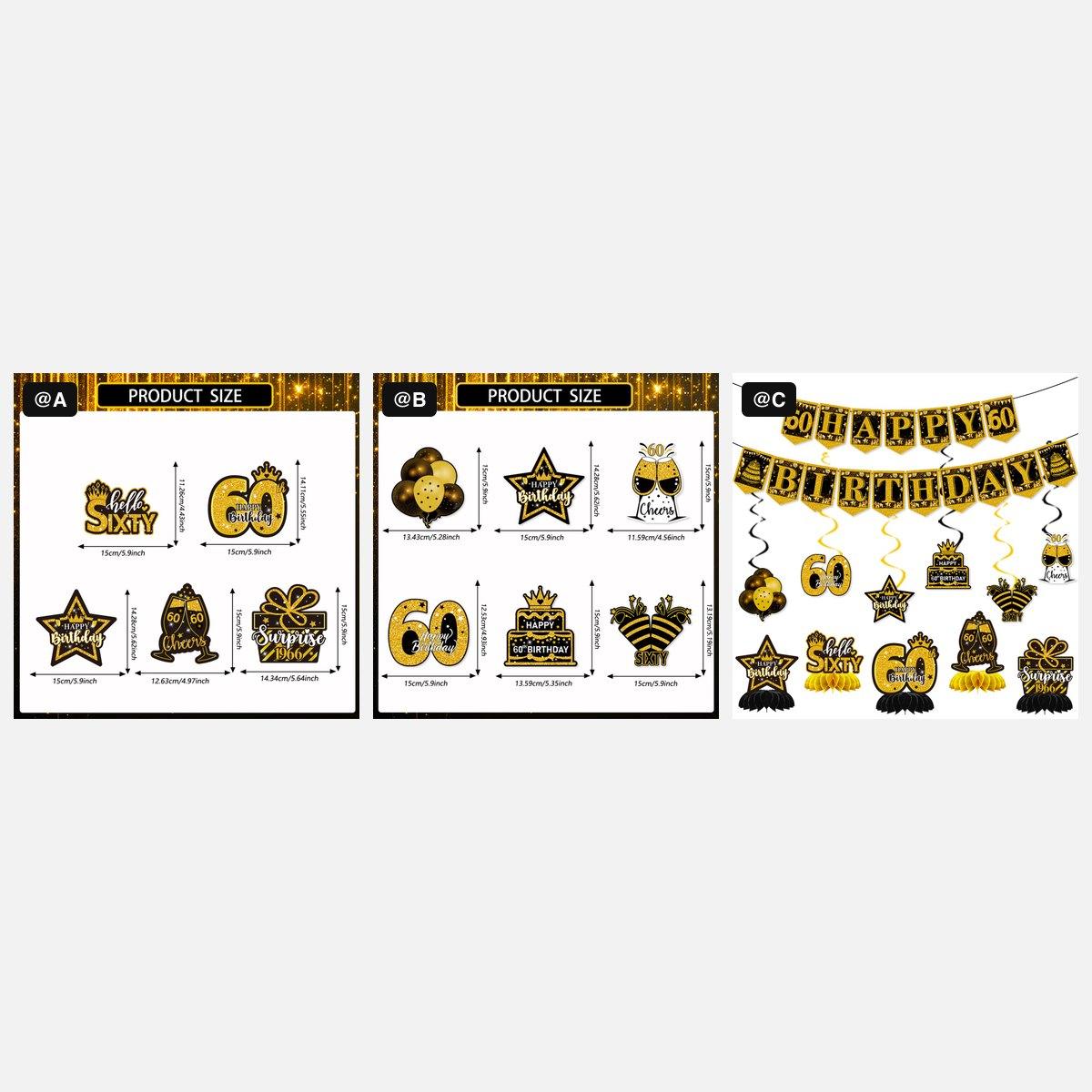
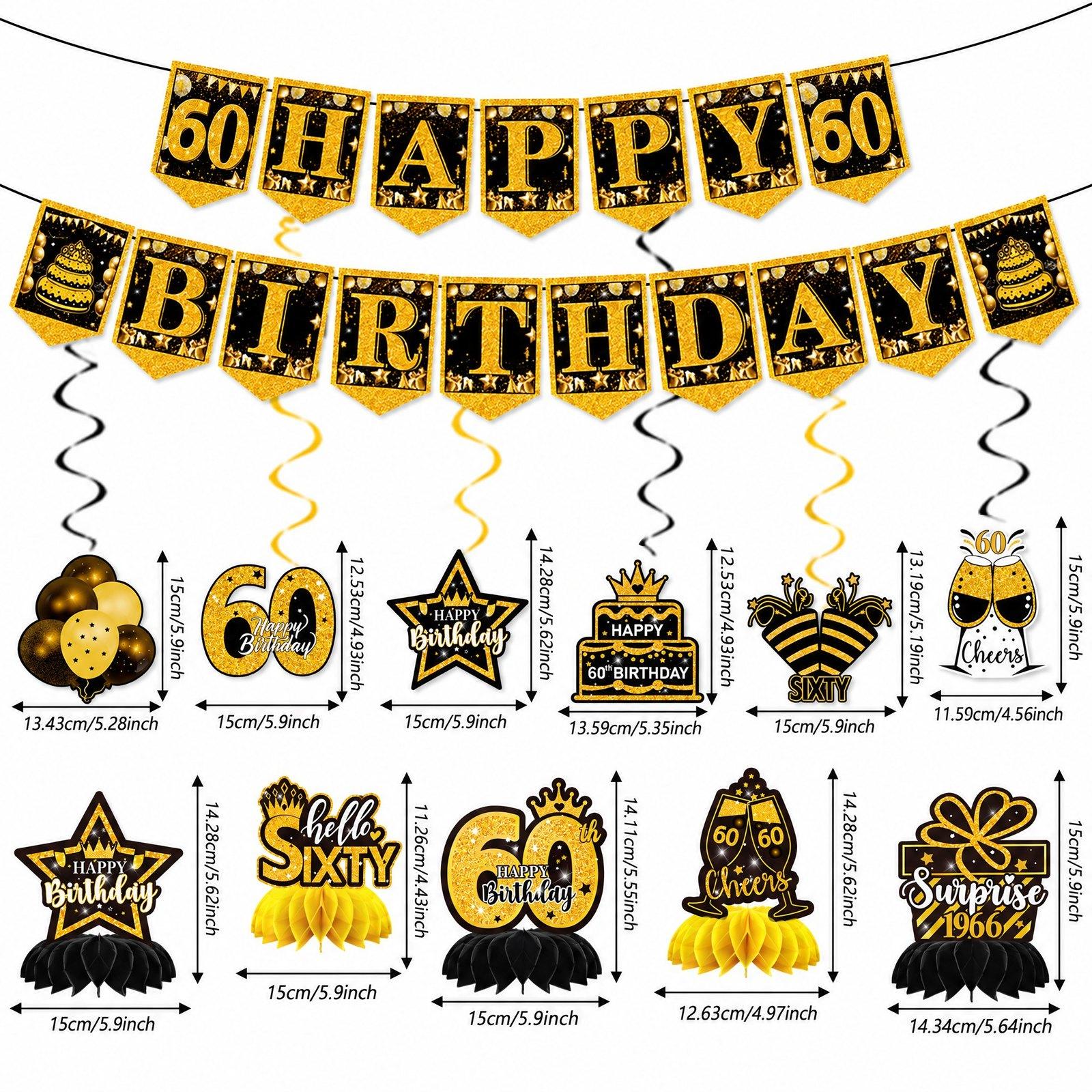
Use cases
Size labels onto a scene
Put the size labels and measurement lines from @A onto the product in @B, keeping the usage scene of @B.
Product into a lifestyle scene
Place the product from @A into the room in @B, at a natural size, with matching light and shadows.
One layout, another product
Use the layout and text style of @A, but show the product from @B instead of the one in @A.
Group shot of several products
Arrange the products from @A, @B and @C together on one clean surface, each exactly as photographed.
Product with its accessory
Show the product from @A together with the accessory from @B, in the setting of @C.
Background swap
Keep the product from @A exactly as it is and put it on the background from @B.
How it works
- Step 1
Upload 2–6 images
Each gets a letter — @A, @B, @C — so you can point at it.
- Step 2
Describe the mix
Type @ to pick an image, and say what to borrow from it: its product, scene, layout, labels or style.
- Step 3
Combine and download
Pick a preset shape or type your own width and height, get one image at exactly that size, and download it.
What you get
Point with @
No guessing which picture you mean — every image has a letter, and @ mentions are checked before anything runs.
Products stay true
Each product keeps the exact look of its own photo; no words or numbers are added that you did not supply.
One price, up to six images
The same 15 credits however many images you combine. A failed run costs nothing.
Questions
- How do I combine images with AI?
- Upload the images, write what the new image should take from each — naming them @A, @B and so on — pick a shape, and press Combine.
- How many images can I combine?
- From 2 to 6 images in one combined picture.
- Can I move size labels from one image onto another?
- Yes — for example, “Put the size labels from @A onto the product in @B, keeping the scene of @B.” Check every figure before you publish.
- How much does it cost?
- 15 credits per combined image, however many you upload. New accounts get free credits.