AI Photoshoot for Product Photos
Turn one product photo into studio, lifestyle, in-hand and on-model shots — no photographer, no studio. Your product stays as you photographed it.
15 credits per picture · a failed picture costs nothing
Product photo
The whole product, in focus, in good light. This photo decides how the product looks.
Another side (optional)
The same product from the back or the side, so its shape is clearer.
Drop an image here. Set everything up first — a free account is only needed when you generate.
Kind of shot
Your product where it is used, in natural light.
How big is the product?
0/200 · About the scene only — it cannot change the product.
Shape
Pictures
Example
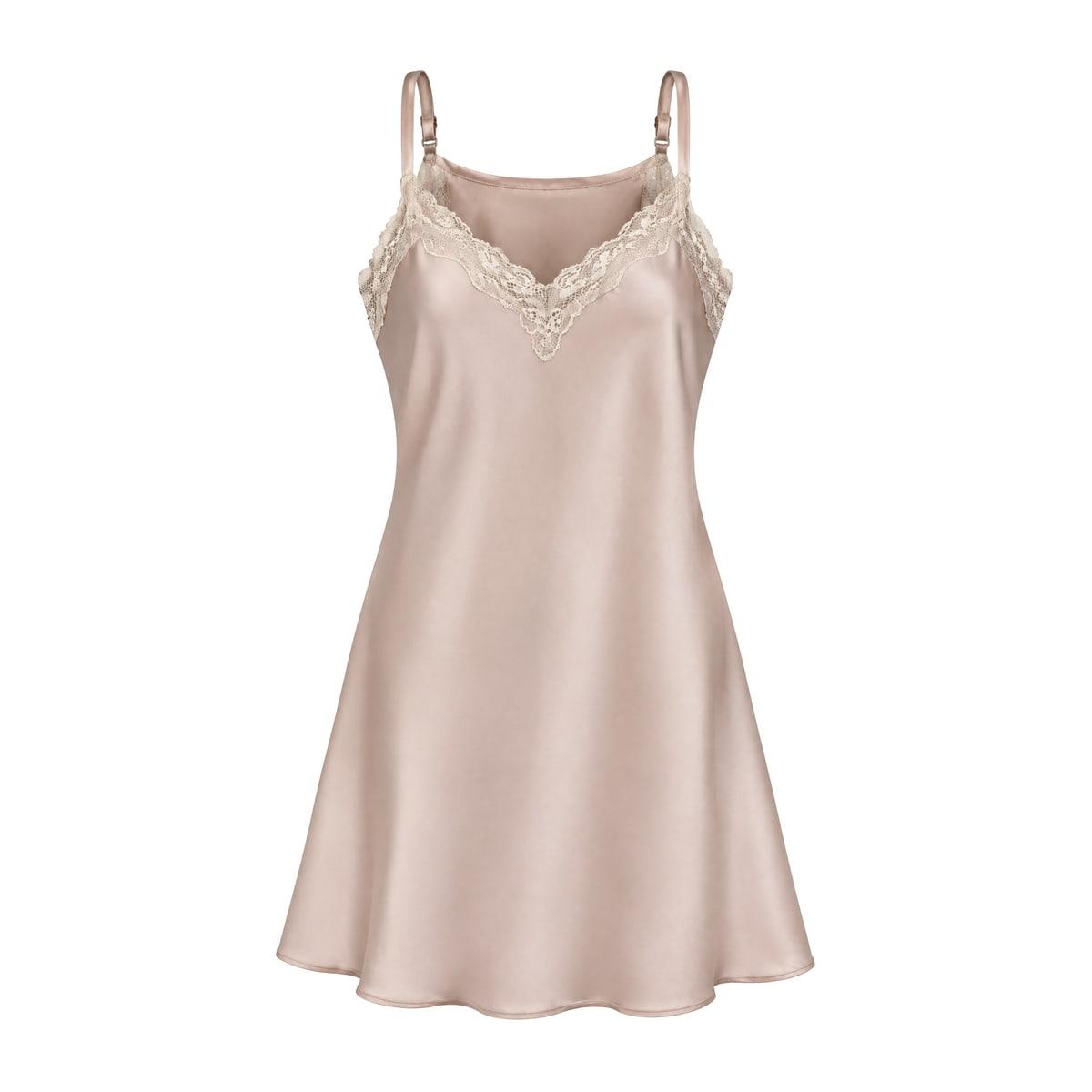
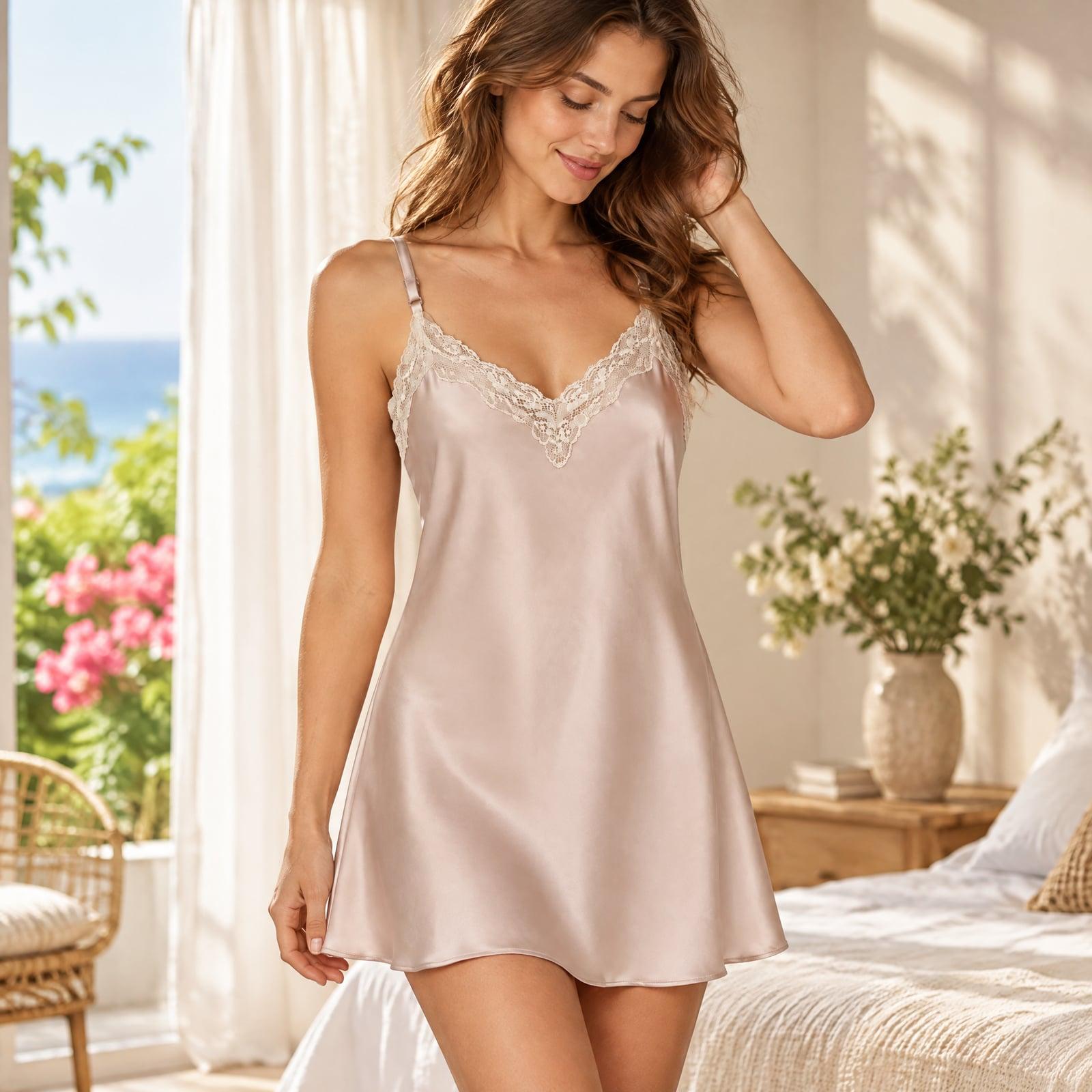
What is an AI photoshoot?
An AI product photoshoot puts your product into new photographs — a styled studio set, a kitchen, a hand holding it, a person using it — from one photo you already have. There is no shoot to book and no props to buy.
Your photo is the only source for how the product looks. Its shape, colours, printing and parts are copied into each scene, and nothing is added to it: no extra pieces, no badges, no text. Each picture is redrawn by AI, so compare it with your product before you publish.
Six kinds of shot
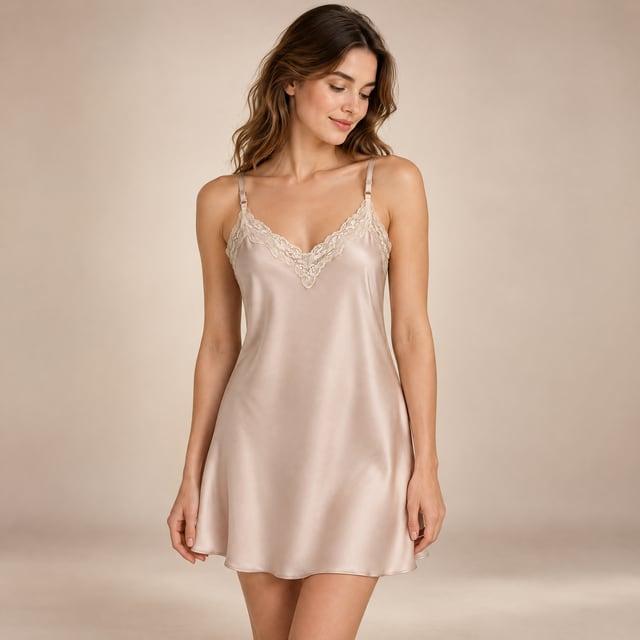
Studio
A clean set in a soft colour, on a podium or with a few props.
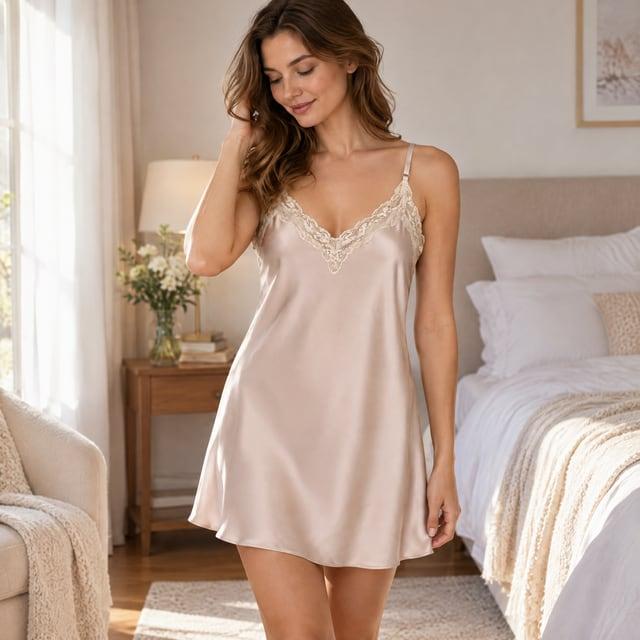
Lifestyle
Your product where it is used — kitchen, living room, bathroom, desk, outdoors and more.
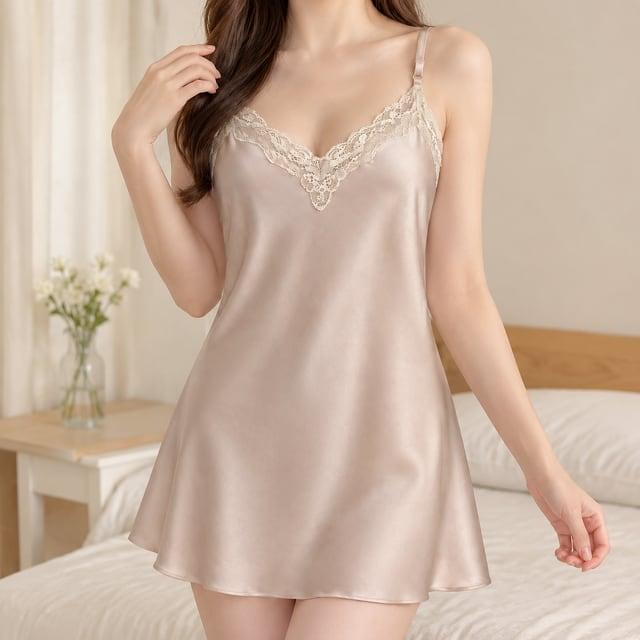
In hand
One hand holding or using the product, to show its size and how it is held.
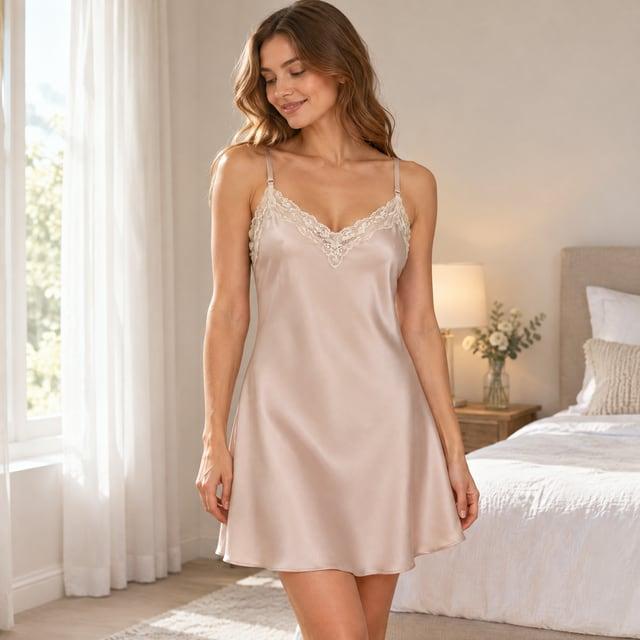
On model
An AI-generated person using or wearing the product. Not a real person, and marked as such in the file.
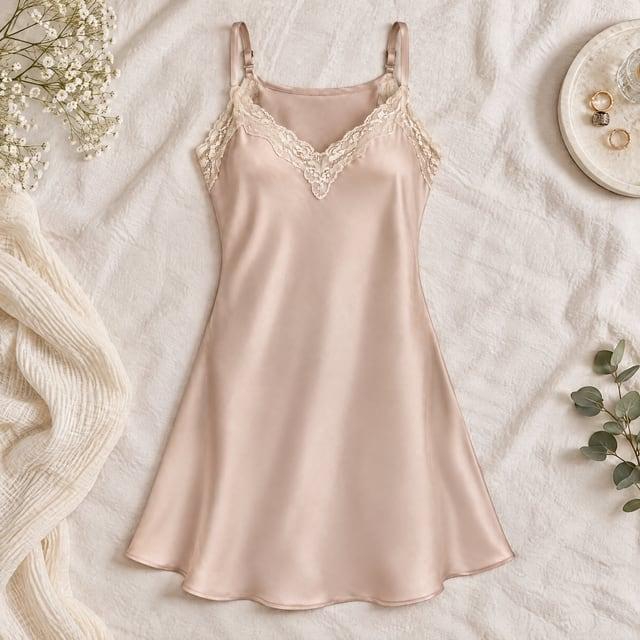
Flat lay
Shot from straight above on a surface, with a few simple props around it.
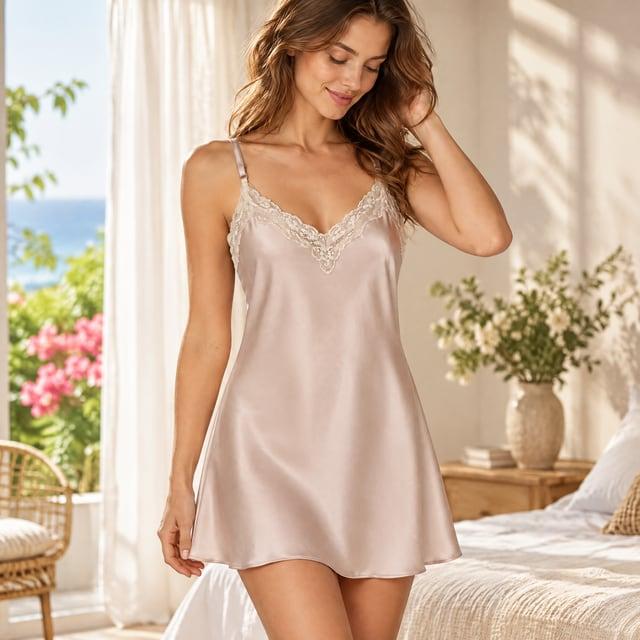
Seasonal
Spring, summer, autumn, winter or Christmas — told by light, colour and decoration, never by written greetings.
Use cases
Gallery images for your listings
Lifestyle and in-use pictures beside your white-background main image.
Social posts and ads
Fresh scenes in square, portrait, landscape or story shapes.
Your own store, Shopify and Etsy
One product photo, a whole set of scenes for your product pages.
How it works
- Step 1
Upload your product photo
The whole product, in focus, in good light — JPEG, PNG or WEBP. Add a second photo from another side if you have one.
- Step 2
Pick the shot, scene and size
Choose a kind of shot, a setting, roughly how big the product is, the shape of the picture, and 1, 2 or 4 pictures.
- Step 3
Generate, check, edit
Each picture arrives on its own. Download it, or open it in the image editor to add your own text.
Photo tips for a better result
- Photograph the whole product, nothing cropped, nothing covering it.
- Even light and a plain background make the product easiest to copy.
- Choose how big the product is — it keeps the product at a believable size in the scene.
- Small text, barcodes and fine logos are redrawn: check every one before you publish.
What you get
Your product as photographed
Shape, colours, printing and parts come from your photo. No part, accessory or package is added.
No text drawn in
No headline, badge or claim is drawn into the picture. Add your own words in the image editor.
Priced before you start
15 credits a picture, shown on the button. A picture that fails costs nothing.
AI photoshoot vs a studio shoot vs a full listing image set
| AI Photoshoot | Studio shoot | Listing image set | |
|---|---|---|---|
| What you need | One product photo | A photographer, a set and props | Your product photos and details |
| What you get | Scene photos, no text | Real photographs | A planned set of images with selling points and text |
| Product accuracy | Redrawn from your photo — check details | Exact | Redrawn from your photos — check details |
Questions
- What is an AI photoshoot?
- New photographs of your product — in a studio, a room, a hand or with a person — made by AI from one photo you already have.
- Will my product look the same?
- It is copied from your photo and nothing is added to it, but each picture is redrawn, so small text, logos and colours can come out slightly different. Compare every picture with your product before you publish, and fix a detail in the image editor if you need to.
- Can I use it as my Amazon main image?
- No. These are AI-generated scene pictures for your gallery images and your own store. For a main image, use your own product photo on a white background — the White Background Maker does that without redrawing the product.
- Are the people real?
- No. Anyone in these pictures is generated by AI and resembles no real person. On model pictures carry the contains-synthetic-performer tag in their metadata. To tag other pictures that show a person, use the free AI-person tag tool.
- Can I use my own background or scene?
- Use the AI Image Combiner: upload your product and your scene, and describe how to put them together.
- Can it add text, badges or selling points?
- No text is drawn into these pictures. Add your own in the image editor, or make a whole listing image set with text from a project.
- Which products work best, and which don’t?
- Single products with a clear shape work best. Glass, mirrors and shiny metal reflect a scene the AI has to imagine; sets of many pieces can lose or gain a piece; tiny printed text can change. Hands in In hand pictures can look unnatural.
- What about clothing?
- On model works for clothing and accessories, but the fit and drape are imagined. For a hollow, no-mannequin picture on white, use Ghost Mannequin.
- How much does it cost?
- 15 credits a picture: 15 for one, 30 for two, 60 for four. A picture that fails is returned.