Viral Image Generator
Upload a viral image you like. Get an original image in the same style — new scene, new wording that means the same, and your own product in it if you want.
18 credits per image · 15 to draw it again
Switched off: the reference’s words are rewritten as original copy that means the same, and anything specific in them — numbers, certifications, materials — is left out; add your own product’s details in the editor. If the reference is your own product, switch it on to keep them.
Size
Example
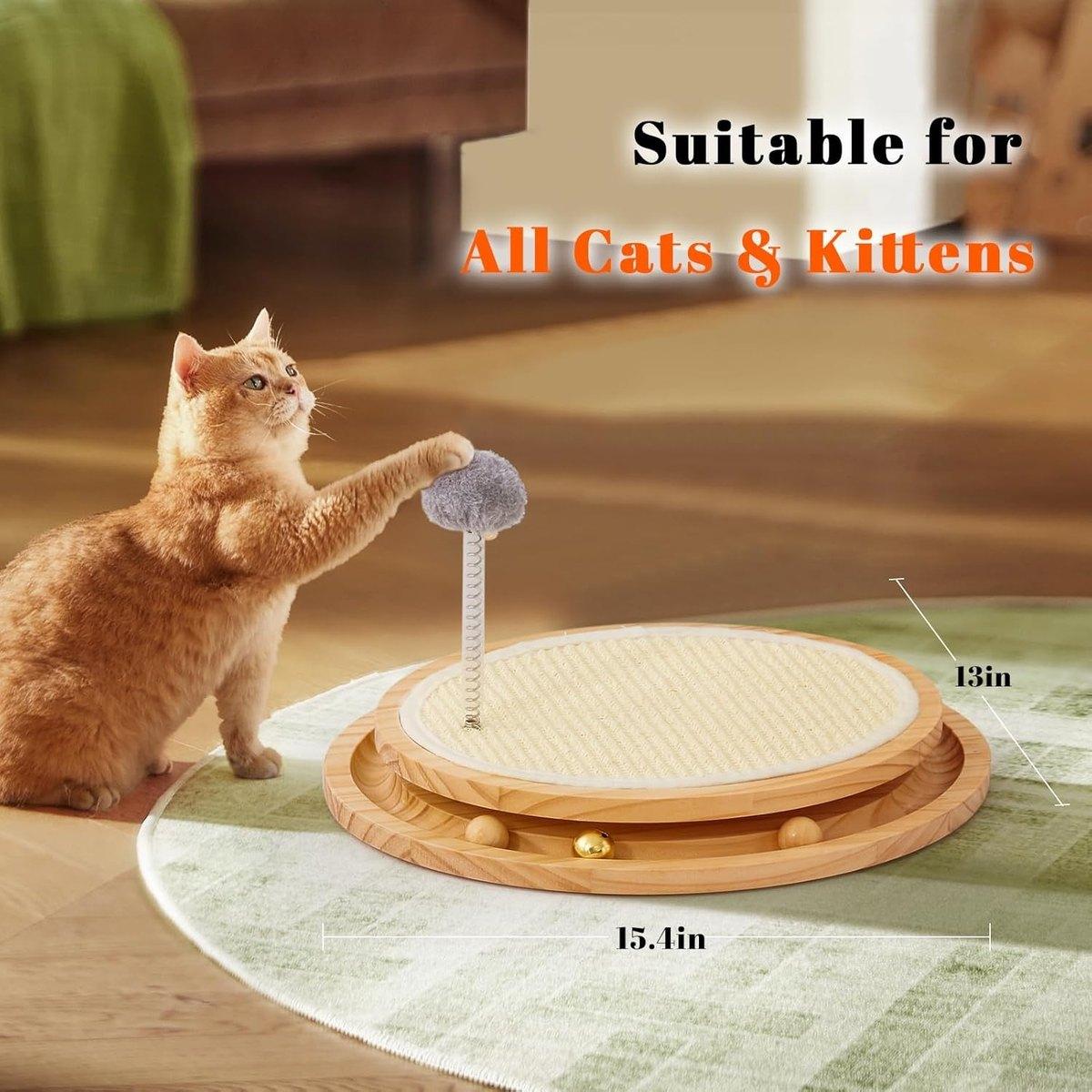
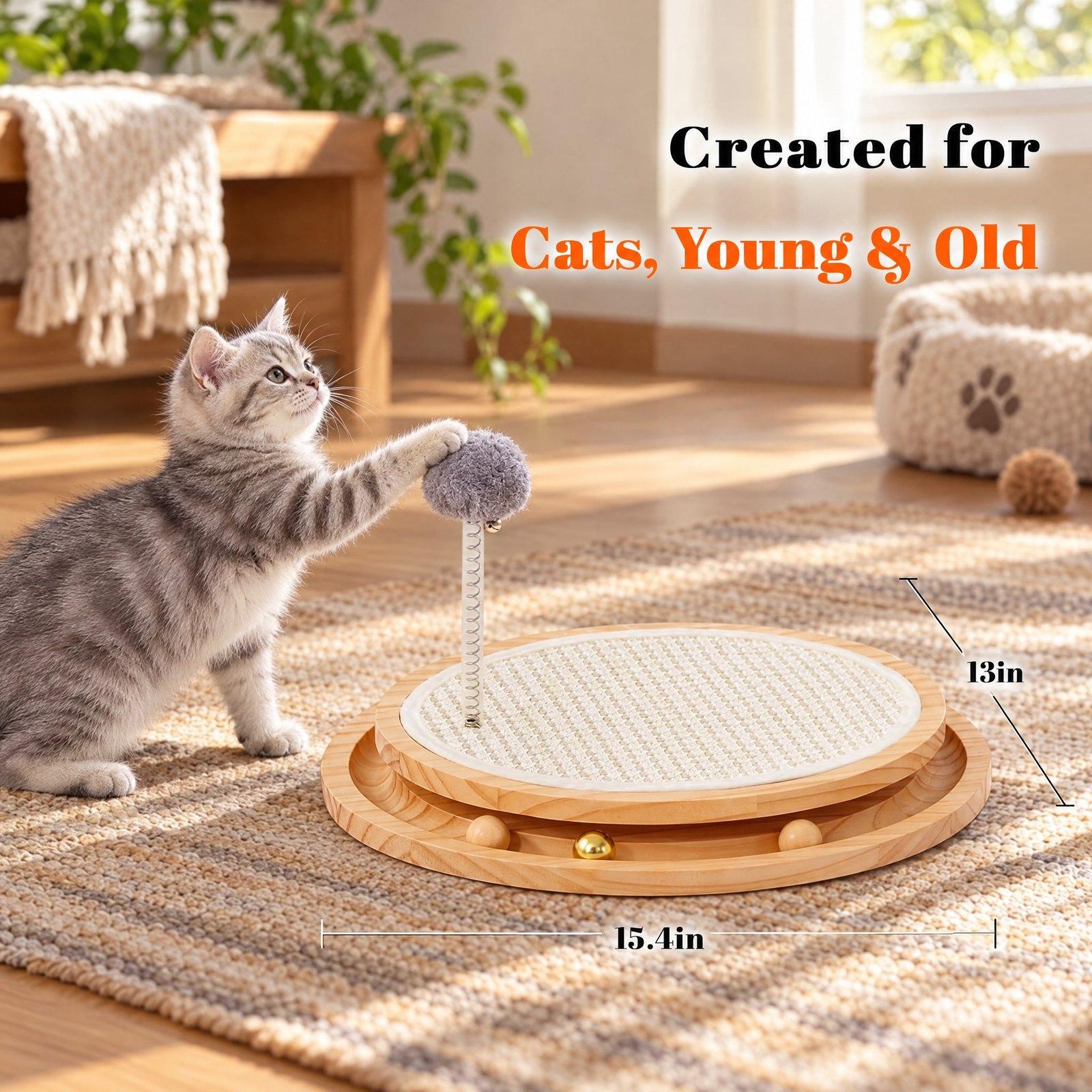
Use cases
Follow a bestseller’s look
Make your gallery image speak the visual language buyers already click on.
Put your product in a winning layout
Upload your own product photo and it takes the place of theirs.
Fresh ideas without a product
Leave the product out to get an original, unbranded take on the style.
How it works
- Step 1
Upload a reference
Any image whose look you want — a bestseller’s gallery shot, an ad, a social post.
- Step 2
Choose
Optionally add your own product to replace theirs, and choose whether AI writes the text into the image.
- Step 3
Generate and edit
Get an original image in that style, then open it in the editor to change any line, add your own facts, or download it.
What you get
Same style, original image
Layout, mood, palette and type style follow the reference; the scene, props and wording are new.
Rewritten copy
The reference’s words are rewritten to mean the same in different words. Specific claims are left out for you to add your own.
Editable text
Switch off AI lettering and every line is set as text you can change in the editor. A failed run costs nothing.
Questions
- Is the result a copy of the reference?
- No. It follows the style — layout, mood, colours and type — but the scene, props and wording are new, and logos, brand names and people from the reference are not reproduced.
- What happens to the text?
- The reference’s words are rewritten into new copy with the same meaning. Numbers, certifications, materials and other specific claims are not carried over, because they belong to someone else’s product — add your own in the editor.
- Can I edit the image afterwards?
- Yes. Open it in the editor to retype any line, move things, add your own text and pictures, and save new versions.
- How much does it cost?
- 18 credits for a new image (reading and rewriting the reference, then the picture), 15 to draw the same one again. A failed run costs nothing.
- Which images can I use as a reference?
- Use references for their style only. You are responsible for what you publish — don't use the tool to imitate another brand's identity.