AI Image Enhancer
Upload a blurry or low-resolution image and get a sharp, clean 2K version — same picture, more detail.
14 credits per image
Example

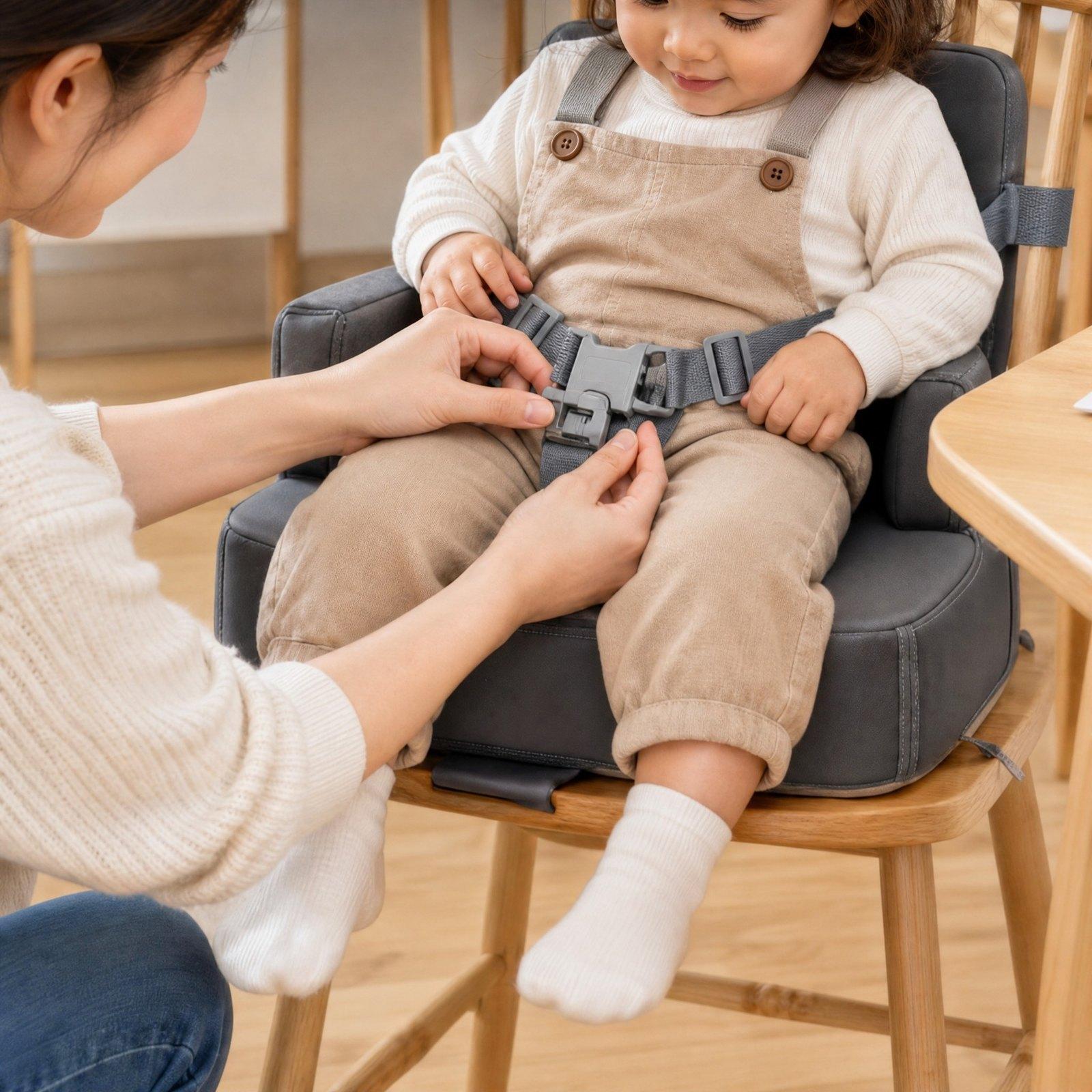
How it works
- Step 1
Upload
Drop in a JPEG, PNG or WebP up to 25 MB.
- Step 2
Enhance
AI removes blur, noise and compression blocks and redraws the detail at 2K.
- Step 3
Download
Compare before and after, then download the JPEG.
What you get
2K output
Around 2048 pixels on the long side, ready for listings, ads and print-sized previews.
Keeps your picture
The enhancer is told not to add, move or remove anything — same framing, colours and text.
No charge on failure
If an image can't be enhanced, the credits are returned.
Questions
- Is the AI image enhancer free?
- Each enhancement costs 14 credits. New accounts get free credits, so you can try it without paying.
- What resolution do I get?
- A 2K image — about 2048 pixels on its longest side, close to your picture's own shape.
- Will it change my photo?
- It aims to keep everything as it is and only restore detail. Because the detail is redrawn by AI, check small text and logos before you publish.
- Can I use it for a marketplace main image?
- For a main image, start from your own product photo — the White Background Maker can put it on pure white.