Free
White Background Maker
Upload a product photo and get it cut out, centred and placed on a pure white background, starting from your own photo.
Free with an account
Example
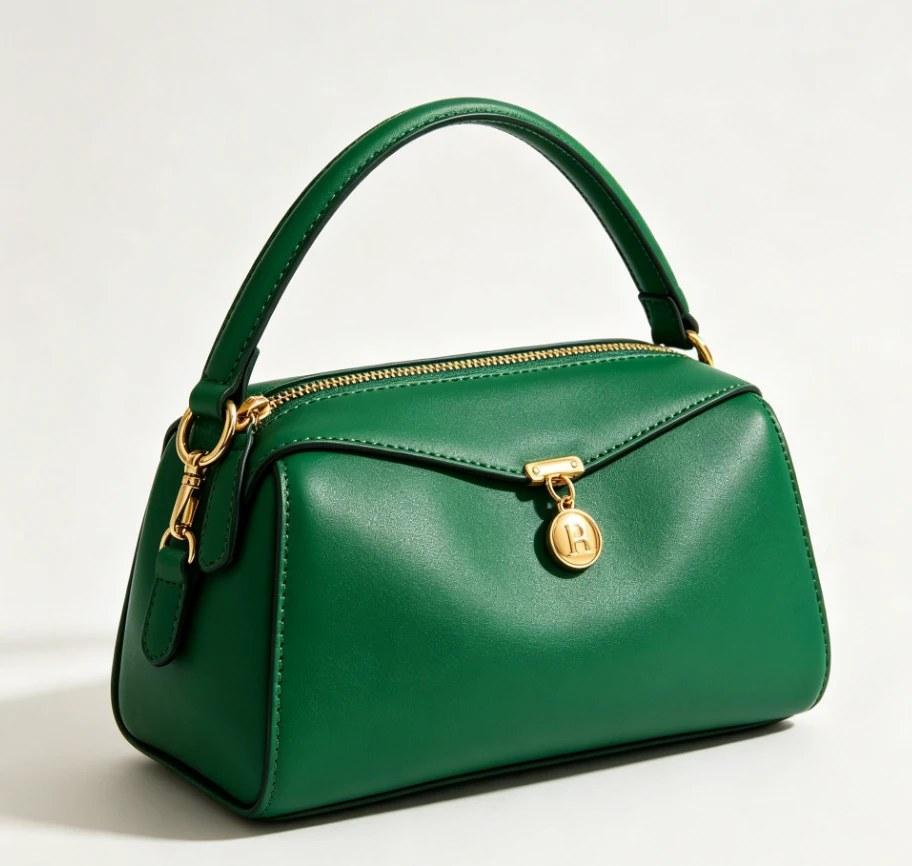
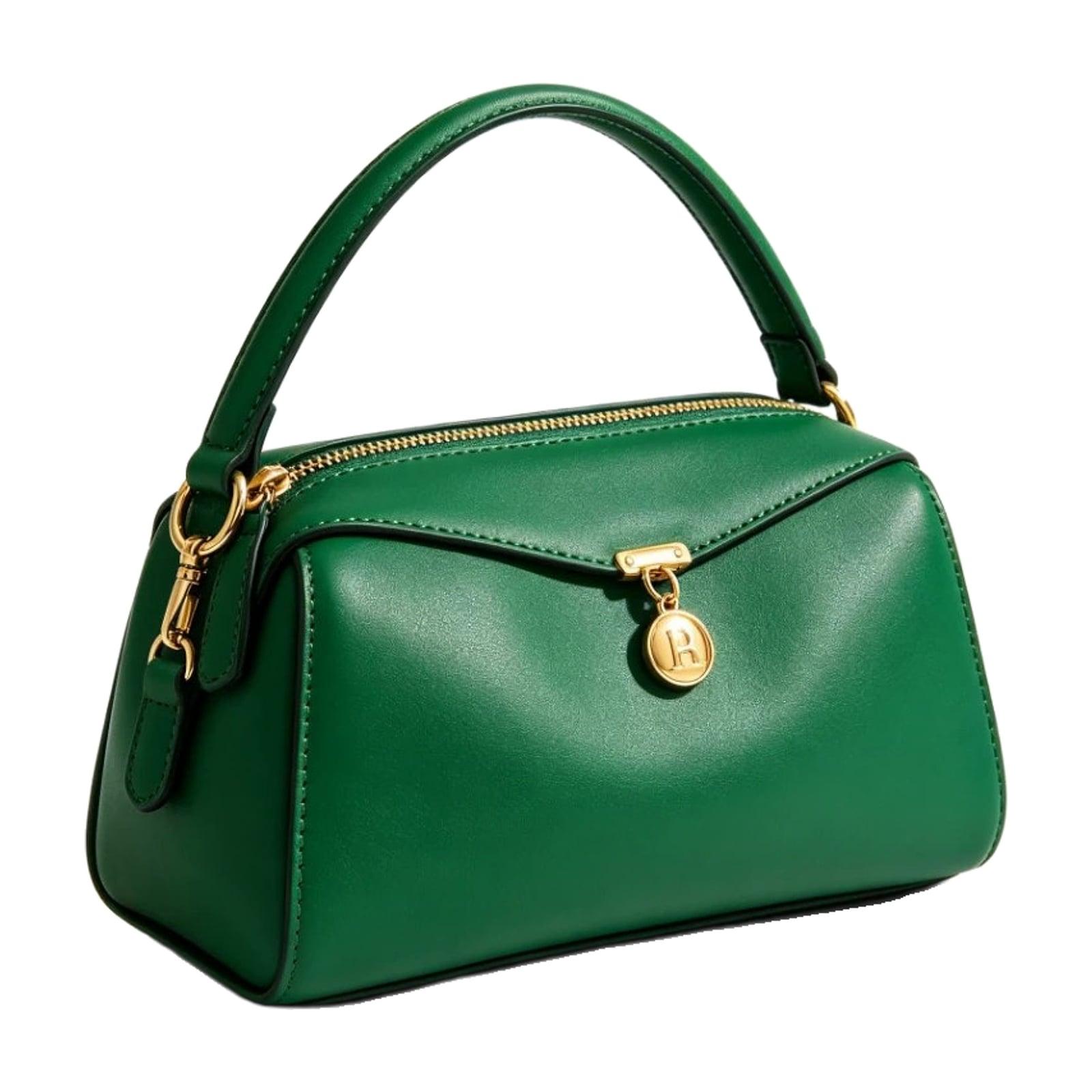
Fine cutout + Remove shadow
How it works
- Step 1
Upload
Drop in a photo of your product, whole and in focus.
- Step 2
Cut out
We remove the background and place the product on pure white RGB 255.
- Step 3
Download
Download a square JPEG, centred with even margins.
What you get
Pure white
Every background pixel is RGB 255, 255, 255 — the white marketplaces such as Amazon ask for.
Your real product
Standard and fine cutouts keep the product pixels from your photo. The optional AI White Image redraws the product, so compare every detail.
Centred and sized
The product is scaled to fill the frame with even margins on a square canvas.
Questions
- Is the white background maker free?
- Yes. It's free with an account.
- Does it redraw my product?
- Not with the standard or fine cutout: they cut your product out of your own photo and place it on white. The optional AI White Image does redraw it, so compare every detail with the real product.
- What photo works best?
- The whole product in frame and in focus, clearly separated from what's behind it.
- What size is the result?
- A square JPEG sized from the marketplace image settings, with the product centred.
- Can I fix the edges?
- Yes. Press Fine-tune on the result and brush to restore or erase edges. Saving makes a new version and keeps the old one, free.