AI Inpaint
Brush over the part of a photo you want to change. Remove it, or describe what should be there instead — everything outside the brush stays exactly as it was.
15 credits per edit
What you can do with it
Pick one to start from — it fills in the settings above. Replace the words in quotes with your own.
Example
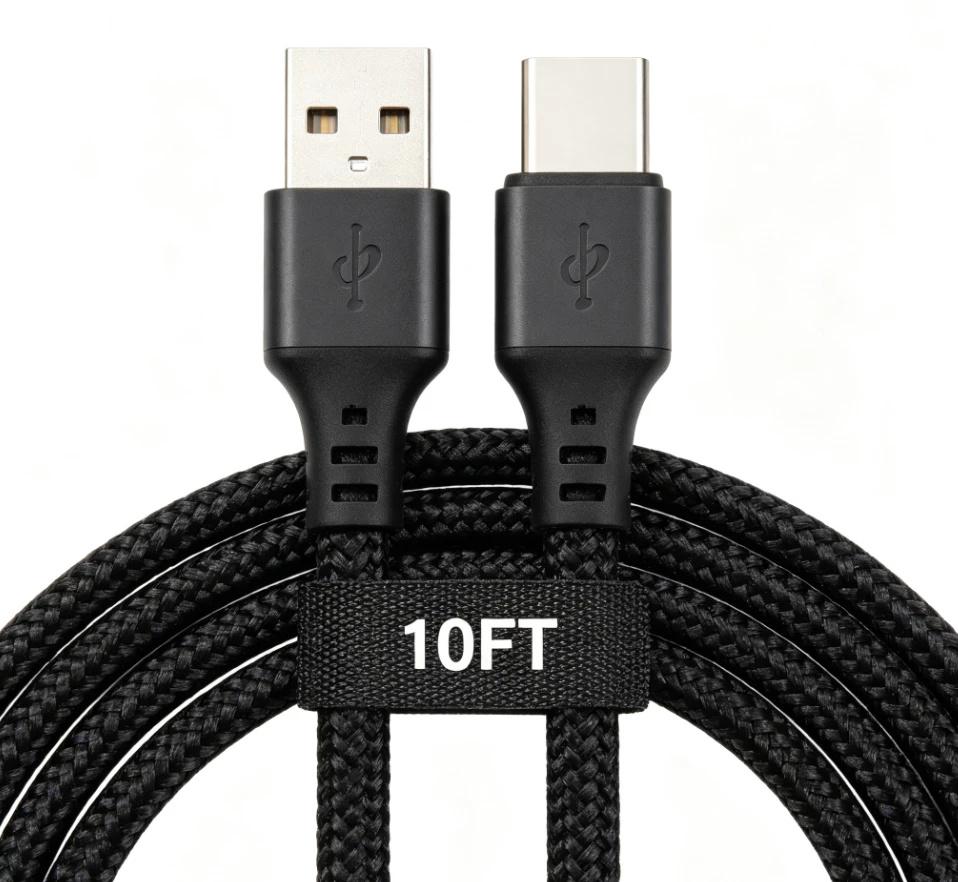
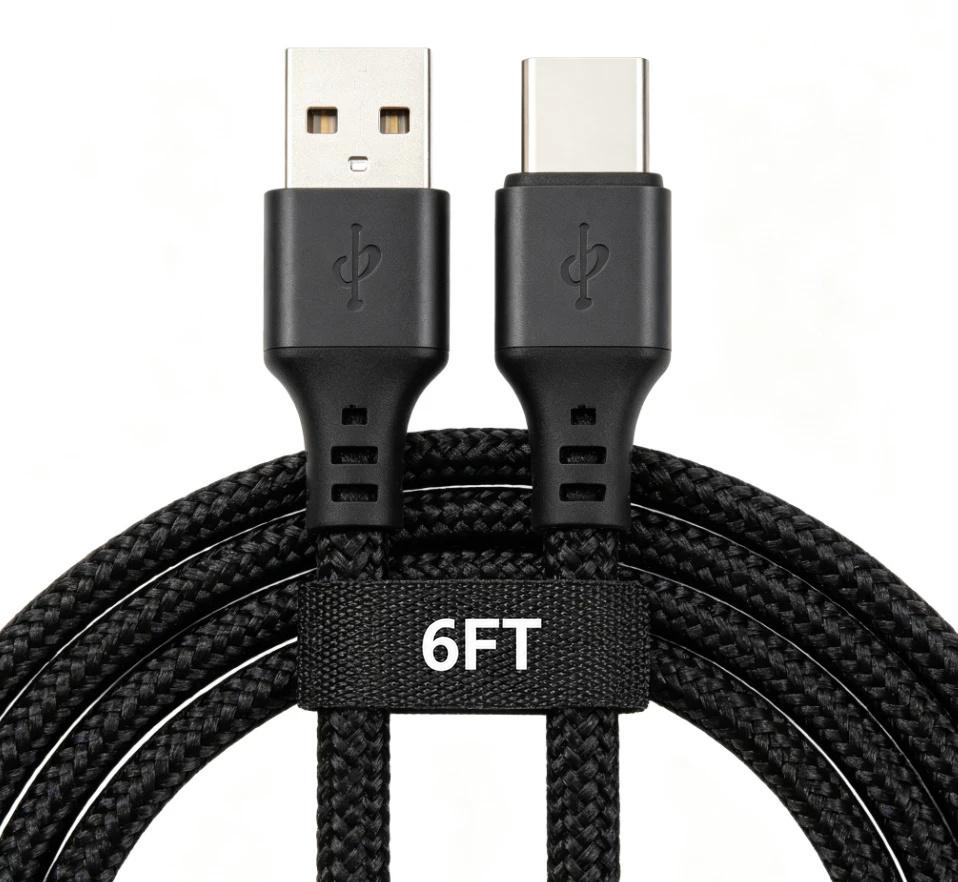
Use cases
Add a SKU or model number
Brush the spot where the label should go, then type your own code.
Change only the size or spec text
Brush just the old numbers — the rest of the picture stays as it is. Check every figure before you publish.
Swap a colour or variant name
Handy when one picture serves several variants.
Remove a sticker, price tag or stray object
Brush over it and the background behind it is filled in.
Clean up dust, scratches or a reflection
Brush small spots one area at a time for the cleanest result.
Replace a prop
Brush the old prop, then describe what should stand there instead.
How it works
- Step 1
Upload
Drop in a JPEG, PNG or WebP up to 25 MB.
- Step 2
Brush and choose
Brush over the area, then pick Remove or describe the replacement.
- Step 3
Download
Compare before and after, then download the JPEG.
What you get
Only the brushed area changes
The AI result is blended back into the brushed area alone; every other pixel is your original.
Remove or replace
Erase a sticker or a stray object, or put new text, a label or a prop in its place.
No charge on failure
If an edit can't be made, the credits are returned.
Questions
- What is AI inpainting?
- You mark part of a picture and AI redraws just that part — filling it with what is behind it, or with something you describe.
- Can I change the numbers or text on a product image?
- Yes. Brush over the old text, choose Replace and type the new wording, for example "16 oz". Check every figure before you publish — the text is redrawn by AI.
- How much does it cost?
- 15 credits per edit. New accounts get free credits, and a failed edit costs nothing.
- Will the rest of my photo change?
- No. Only the area you brush is replaced; the rest of the picture is your original pixels.